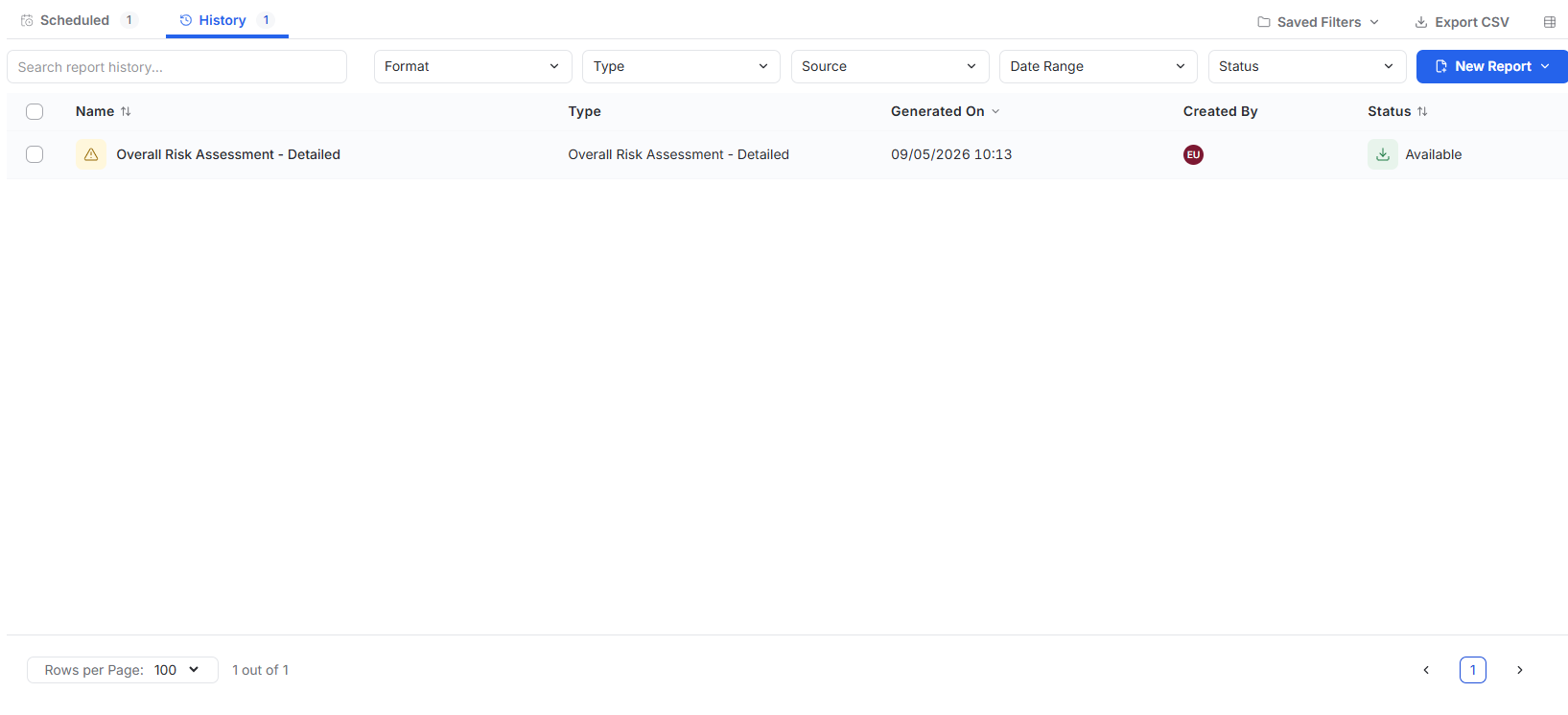
Reporting
Last updated: September 9, 2026
Use Reporting to generate reports immediately or schedule recurring reports.
Generate a Report
Open Reporting.
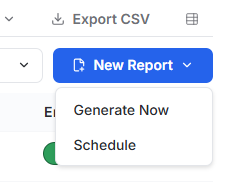
Select New Report.
Select Generate Now.
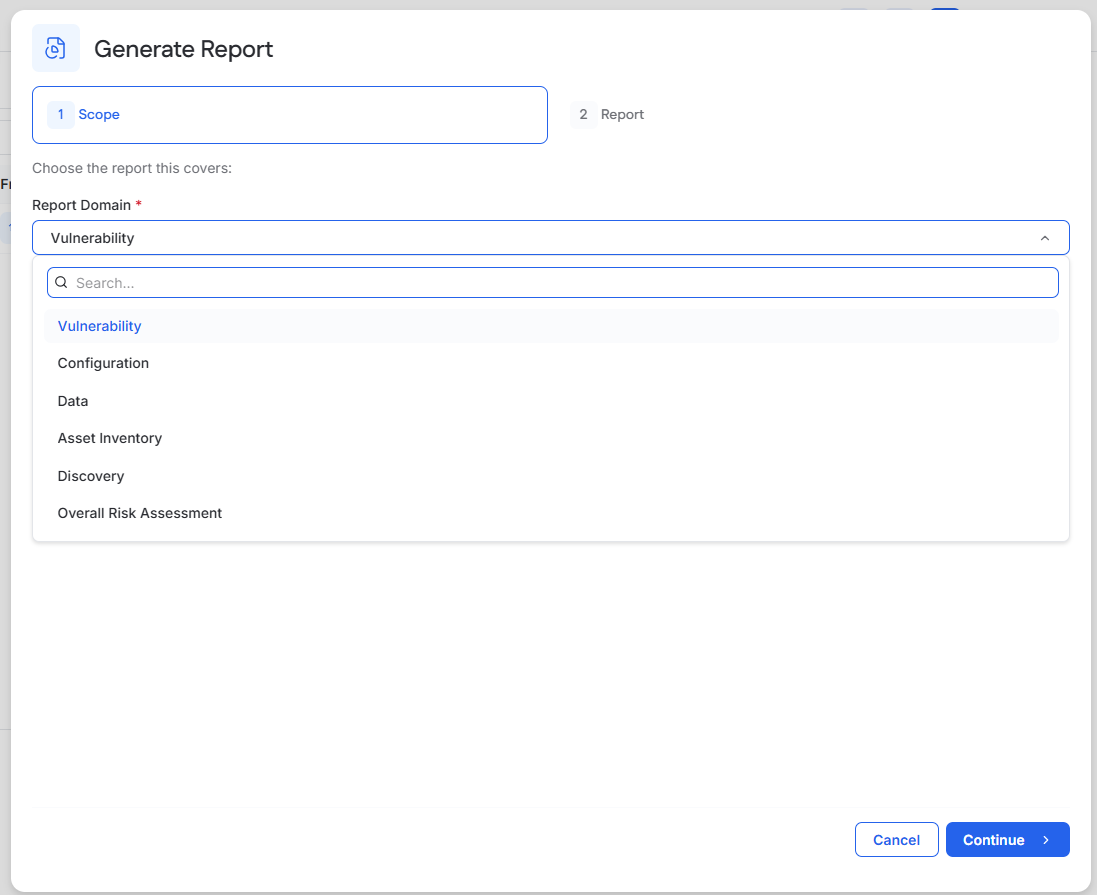
Select the Report Domain.
Select the Report Type.
Select Continue.
Available report domains include:
Vulnerability
Configuration
Data
Asset Inventory
Discovery
Overall Risk Assessment
Available report types depend on the selected domain.
Configure the Report
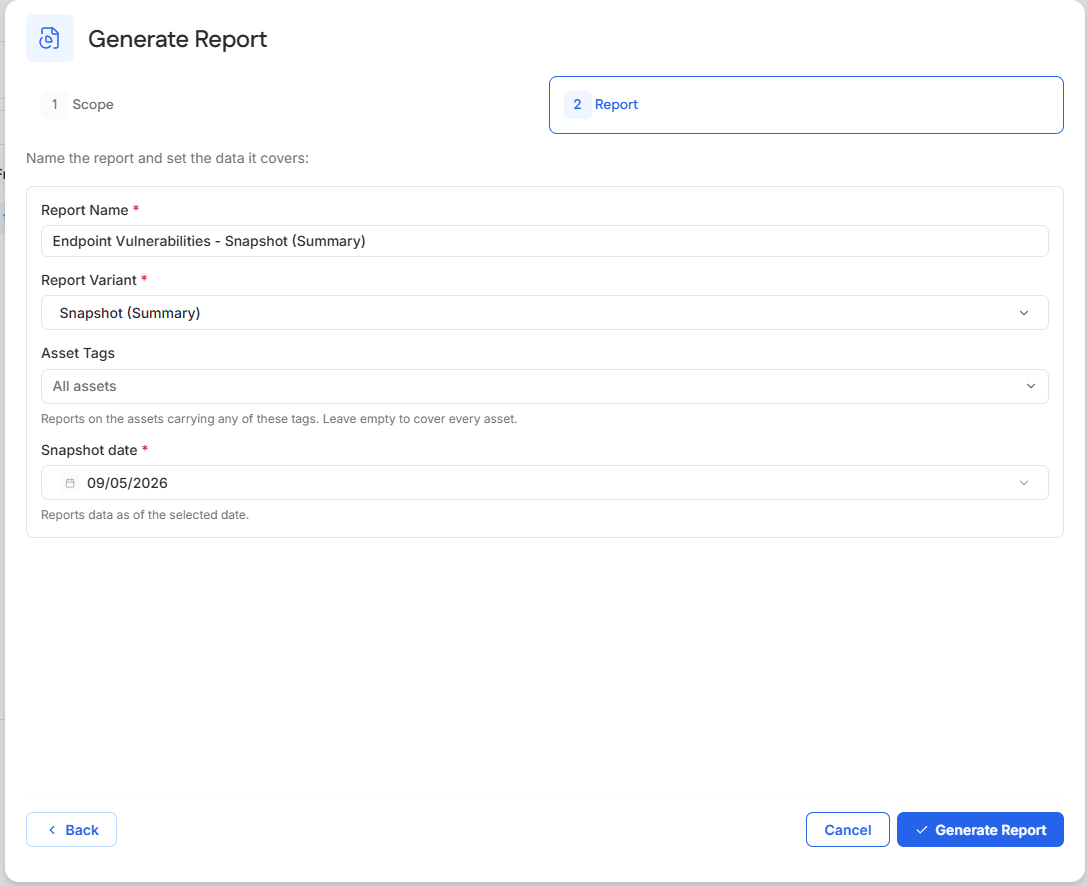
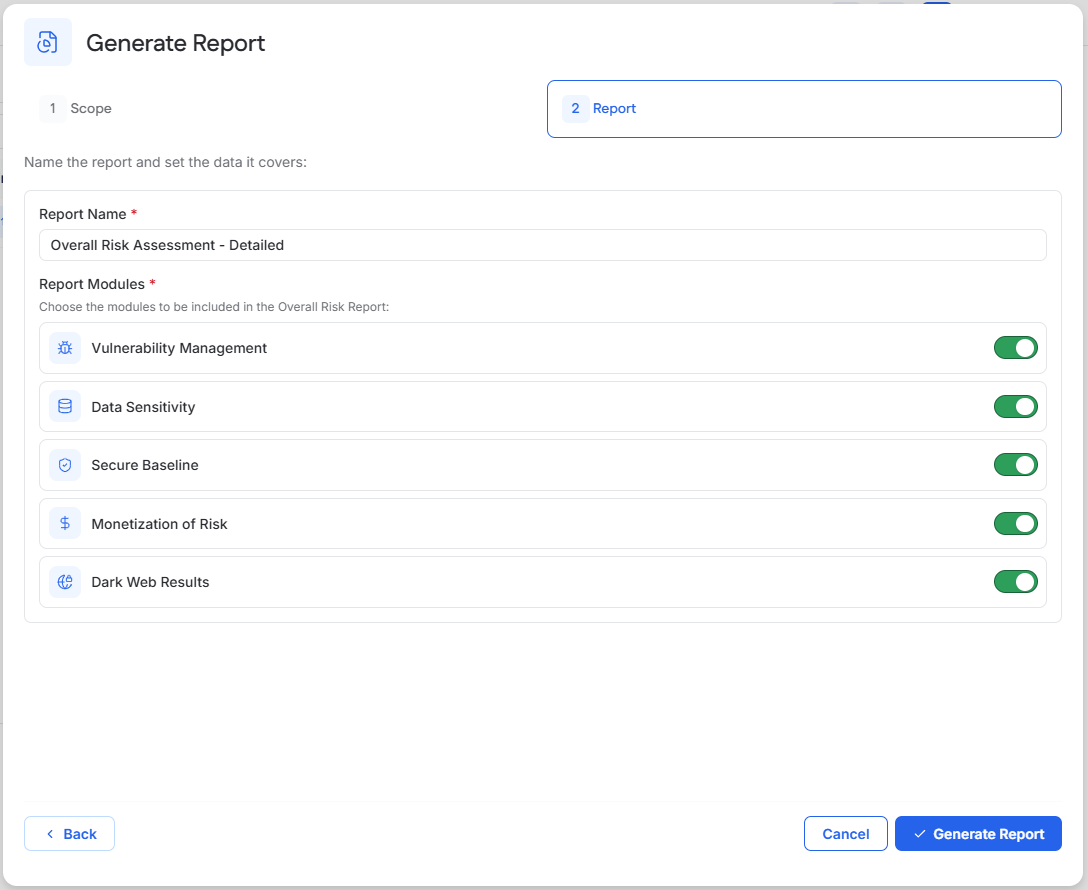
Configure the available report options and select Generate Report.
Options vary by report type and may include:
Report Name
Report Variant
Date or date range
Asset Tags
Modules to include
Download the Report
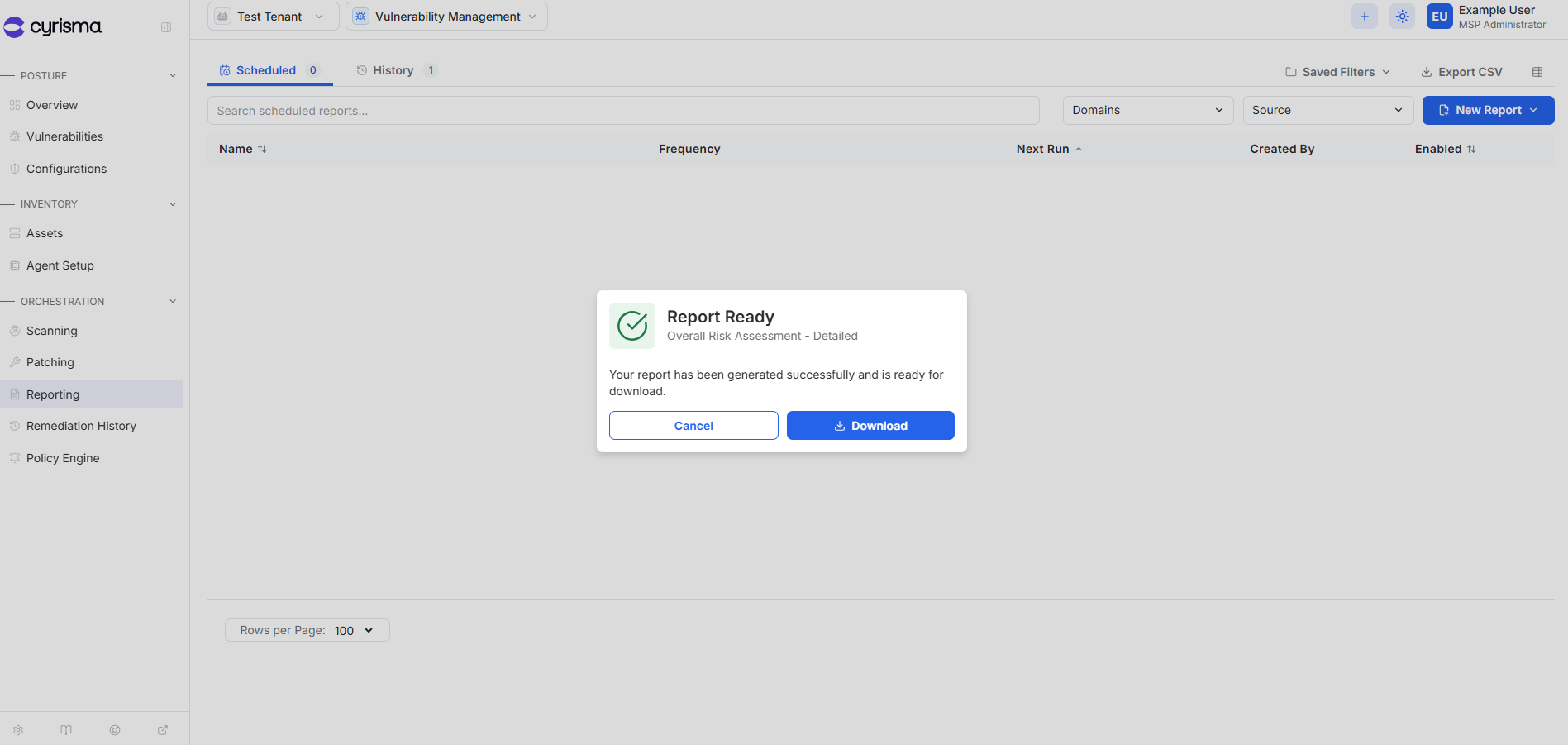
When generation is complete, select Download.
Generated reports are also available from History for 24 hours after generation.
Schedule a Report
Open Reporting.
Select New Report.
Select Schedule.
Select the Report Domain and Report Type.
Select Continue.
Configure the Scheduled Report
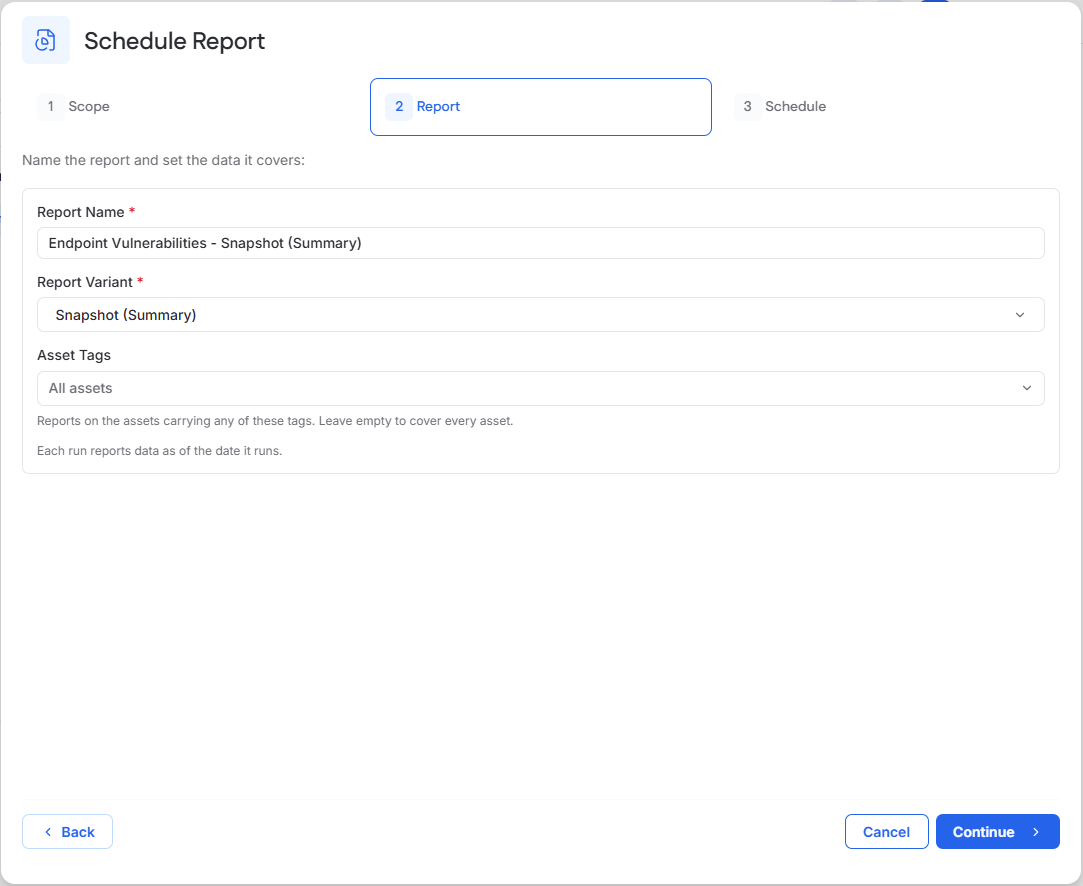
Enter the report name and configure the available report options.
Options vary by report type and may include the report variant and asset tags.
Select Continue.
Set the Schedule and Recipients
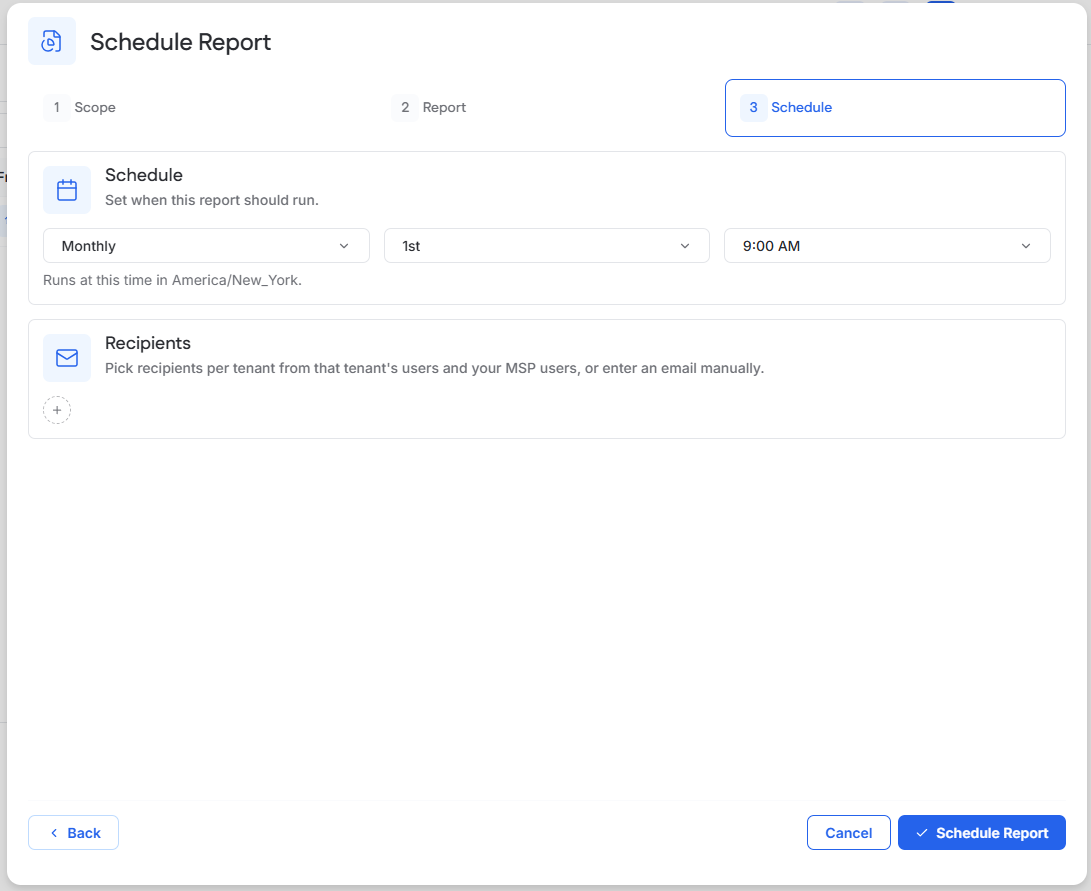
Select how often the report should run.
Configure the delivery day and time.
Add the users or email addresses that should receive the report.
Select Schedule Report.
Manage Scheduled Reports
Use the Scheduled tab to review configured report schedules, including their frequency, next run, and enabled status.
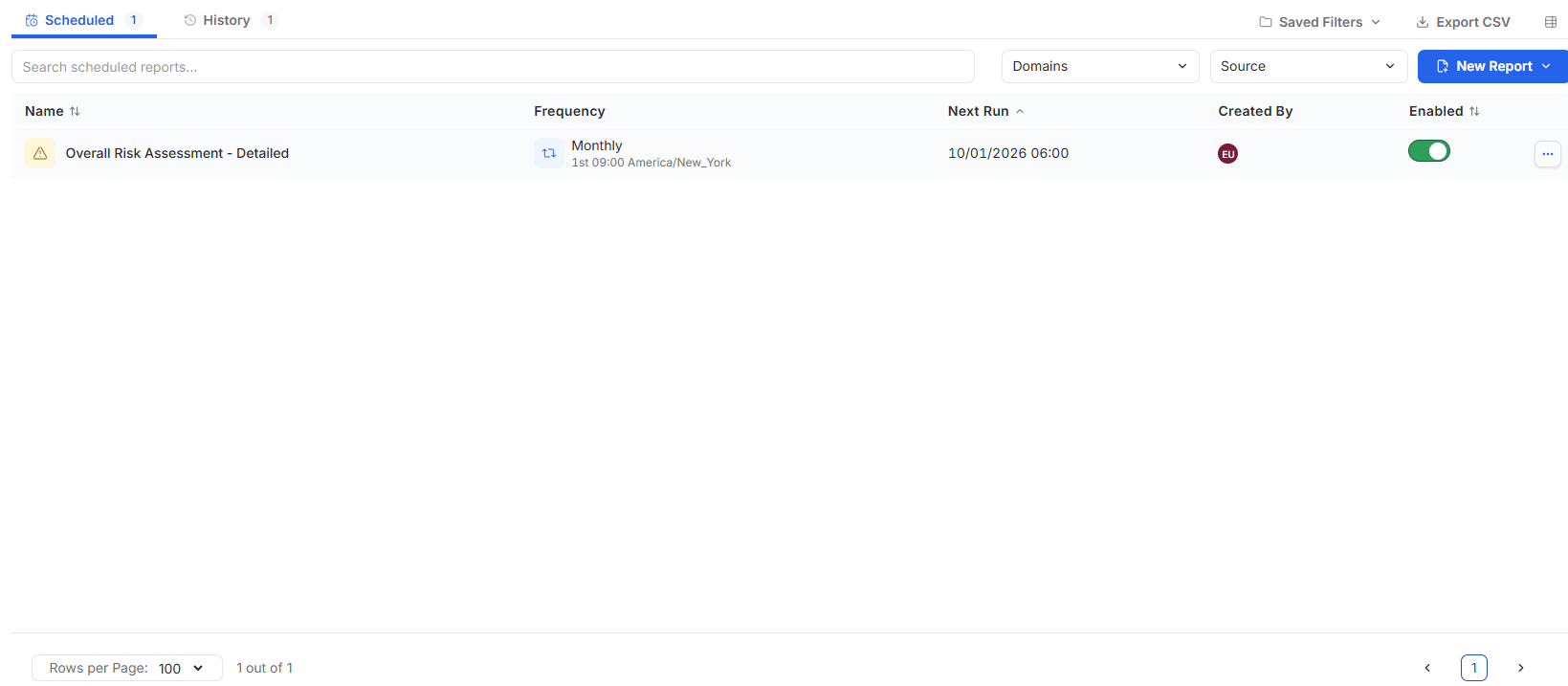
Review Report History
Use History to review generated reports and download reports that are still within the 24-hour availability period.