Configure Report Timezone and Password Protection
Last updated: September 17, 2026
Report settings are managed from Settings > General.
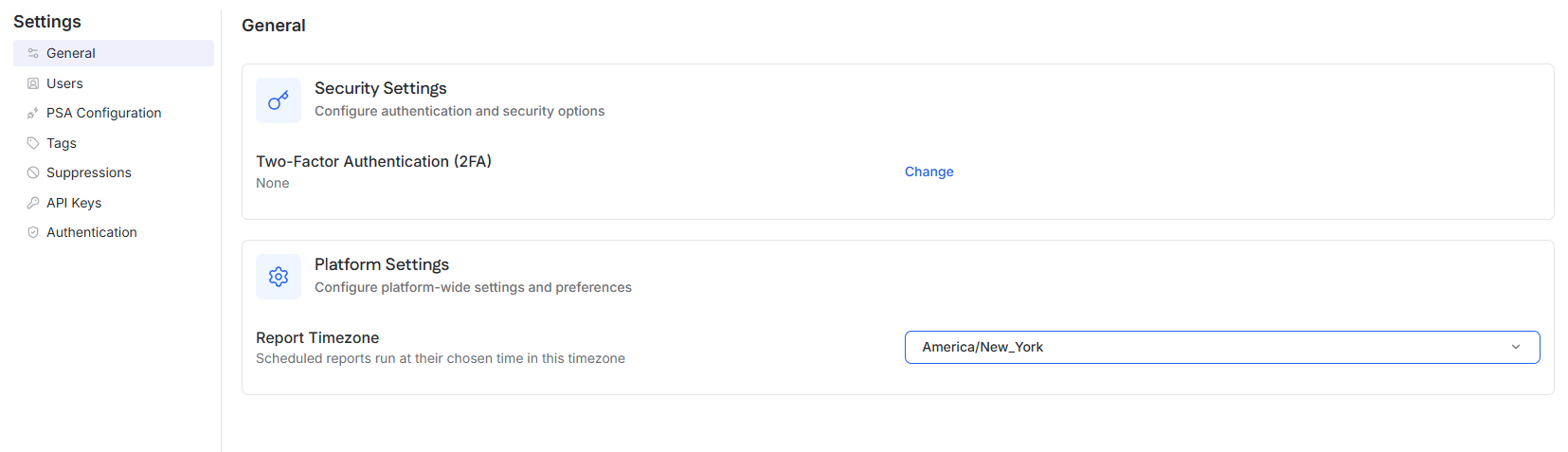
Set the Report Timezone
The Report Timezone setting is configured at the MSP level.
Go to Settings.
Select General.
Under Platform Settings, open Report Timezone.
Select the timezone to use.
The selected timezone controls:
The times displayed within generated reports
The timezone used when scheduled reports run
When the timezone is set for a parent organization tenant, its child tenants inherit the same Report Timezone.
Password-protect reports
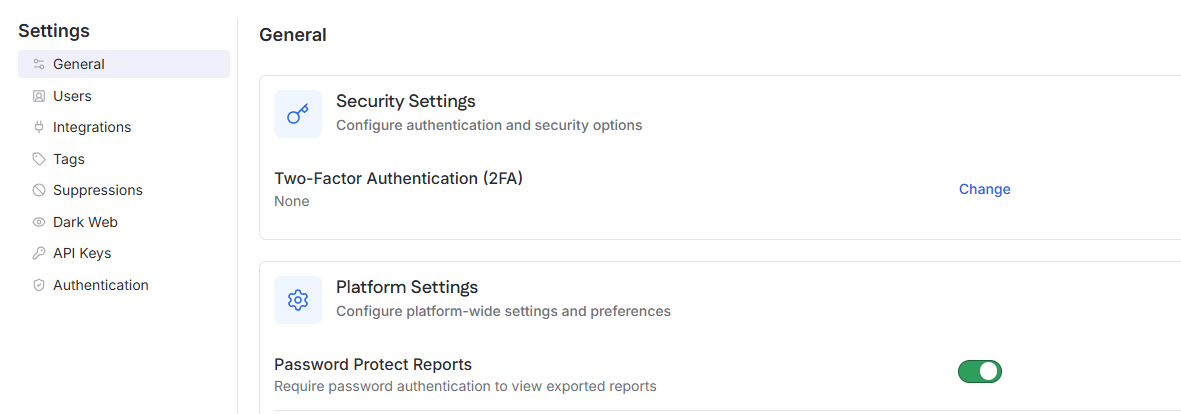
The Password Protect Reports setting is configured at the tenant level.
Open the tenant.
Go to Settings.
Select General.
Under Platform Settings, turn on Password Protect Reports.
When enabled, password authentication is required to view exported reports.
The tenant page also displays its inherited Report Timezone.