Microsoft 365: Active Directory Monitoring
Last updated: September 9, 2026
Use Active Directory Monitoring to review identity risks across Active Directory and Entra ID.
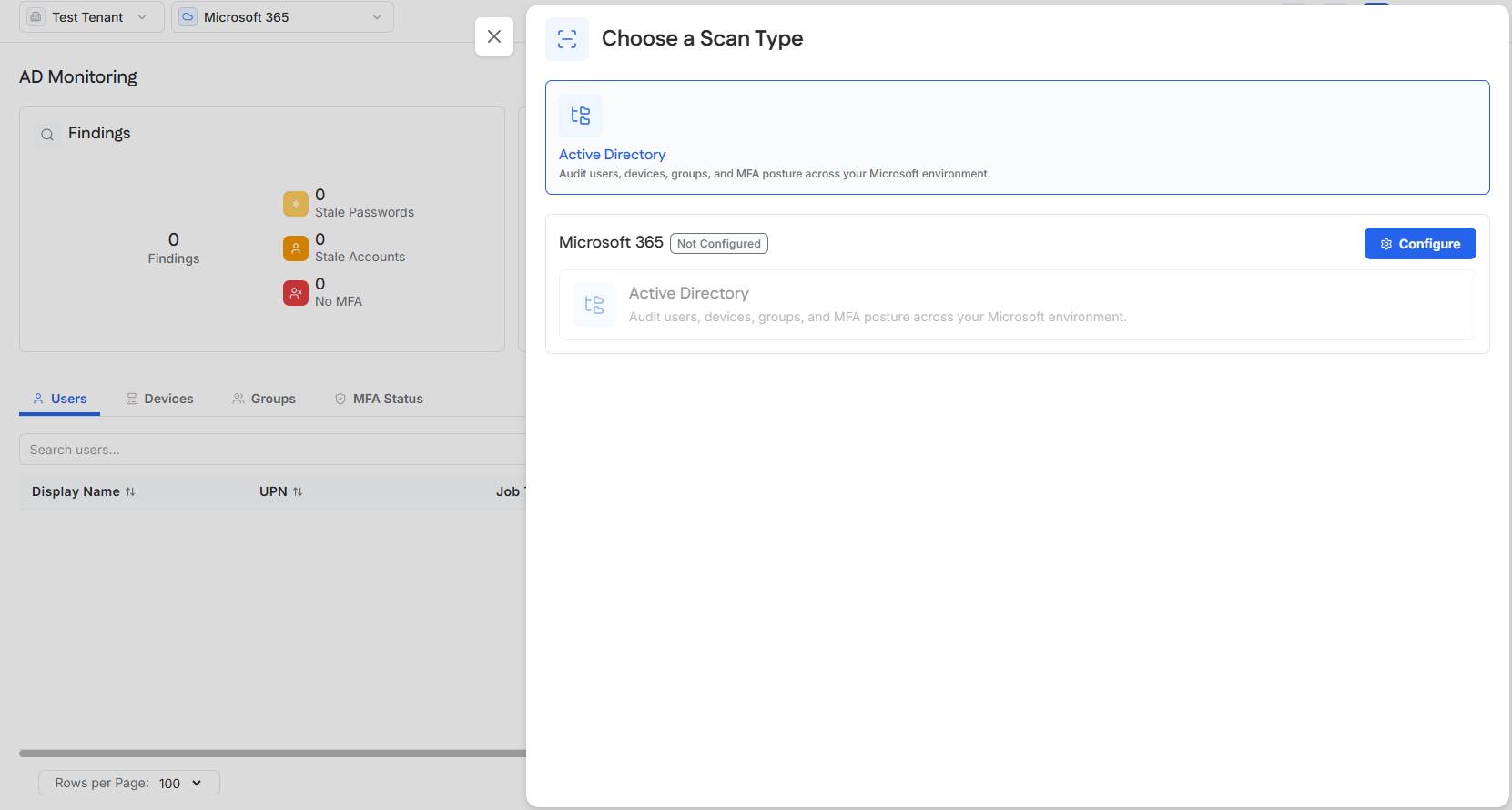
A Microsoft 365 integration must be configured for the tenant before an Active Directory scan can run.
See [Microsoft 365 Integration Guide].
Open Active Directory Monitoring
Access the tenant.
Open the module selector.
Select Microsoft 365.
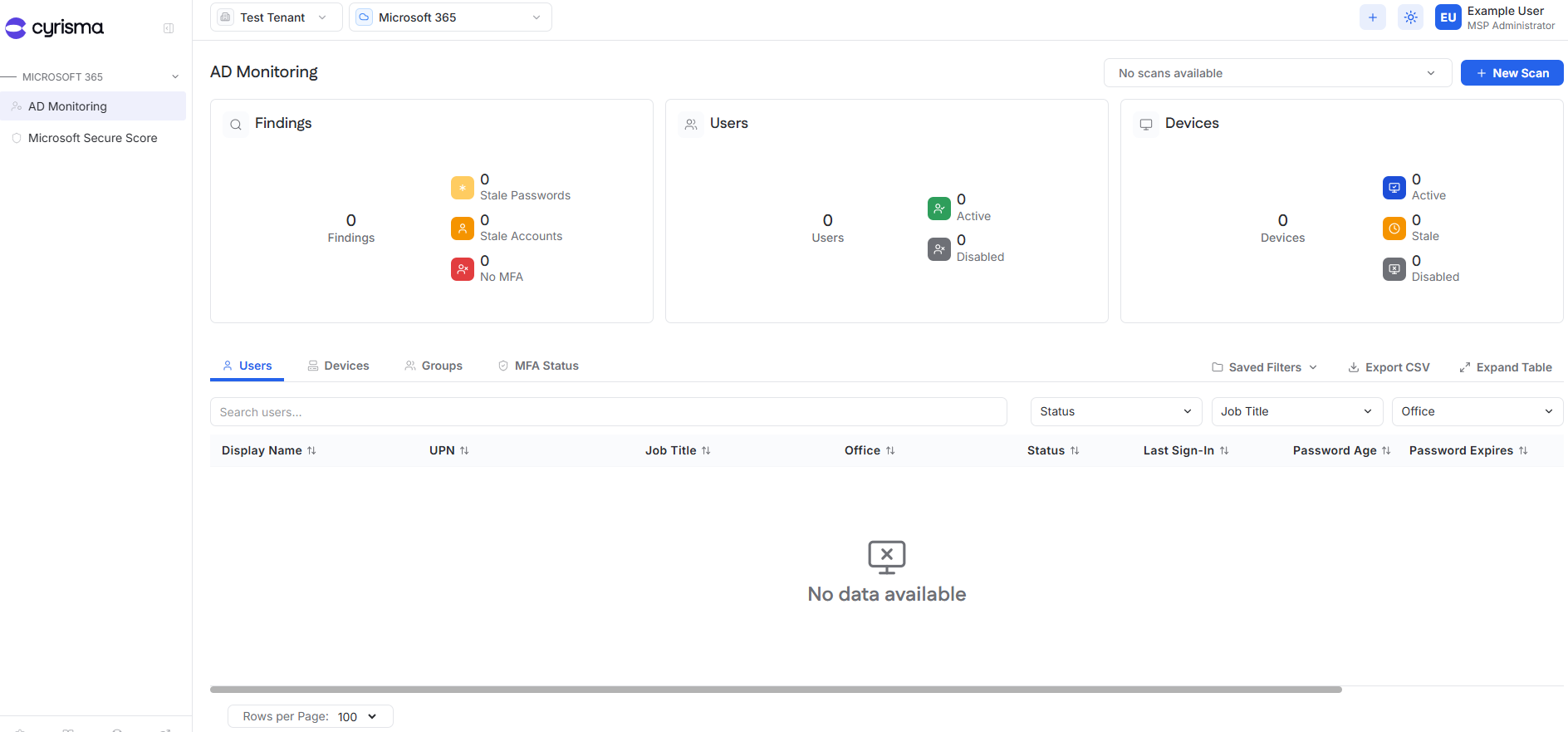
Select AD Monitoring.
Run an Active Directory Scan
Active Directory scans can be started directly from the AD Monitoring page.
Select New Scan.
Enter a Scan Name.
Choose Run Now or configure a recurring schedule.
Optionally enable Notify on Completion.
Select Submit.
Review Scan Results
Completed Active Directory scans are available from the scan selector at the top of the AD Monitoring page.
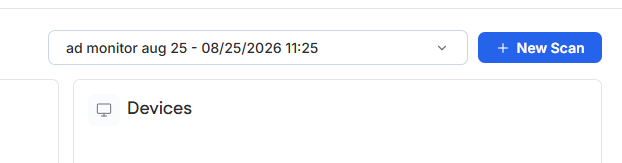
Select a scan from the dropdown to review its results.
Results include:
Findings
Users
Devices
Groups
MFA Status
The summary cards highlight findings such as stale passwords, stale accounts, and accounts without MFA.