Patching Vulnerabilities
Last updated: September 9, 2026
Use Patching to patch vulnerable software, create patch schedules, and review patch activity.
Patch a Root Cause
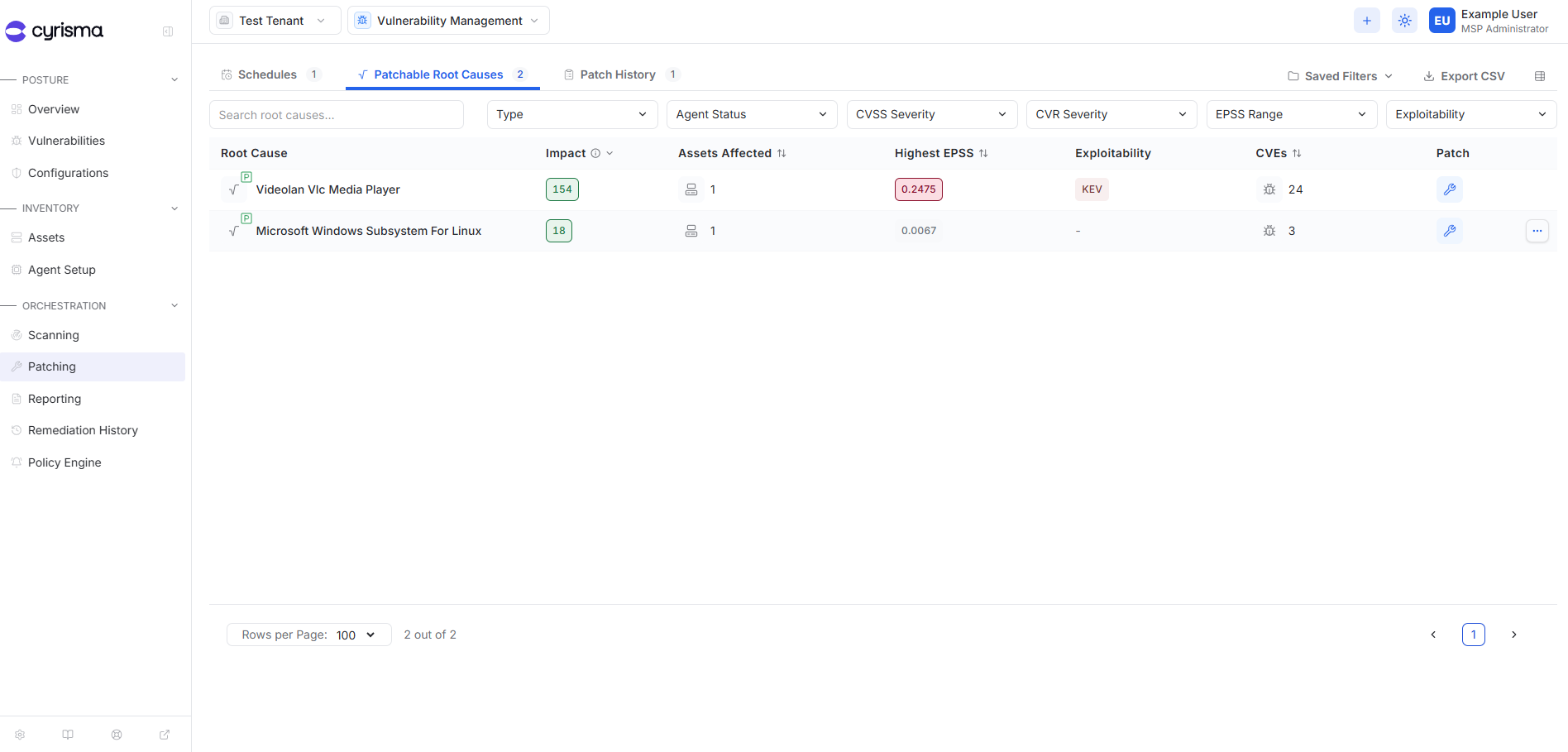
Patchable software appears under Patchable Root Causes.
Open Patching.
Select Patchable Root Causes.
Select the patch action for the root cause.
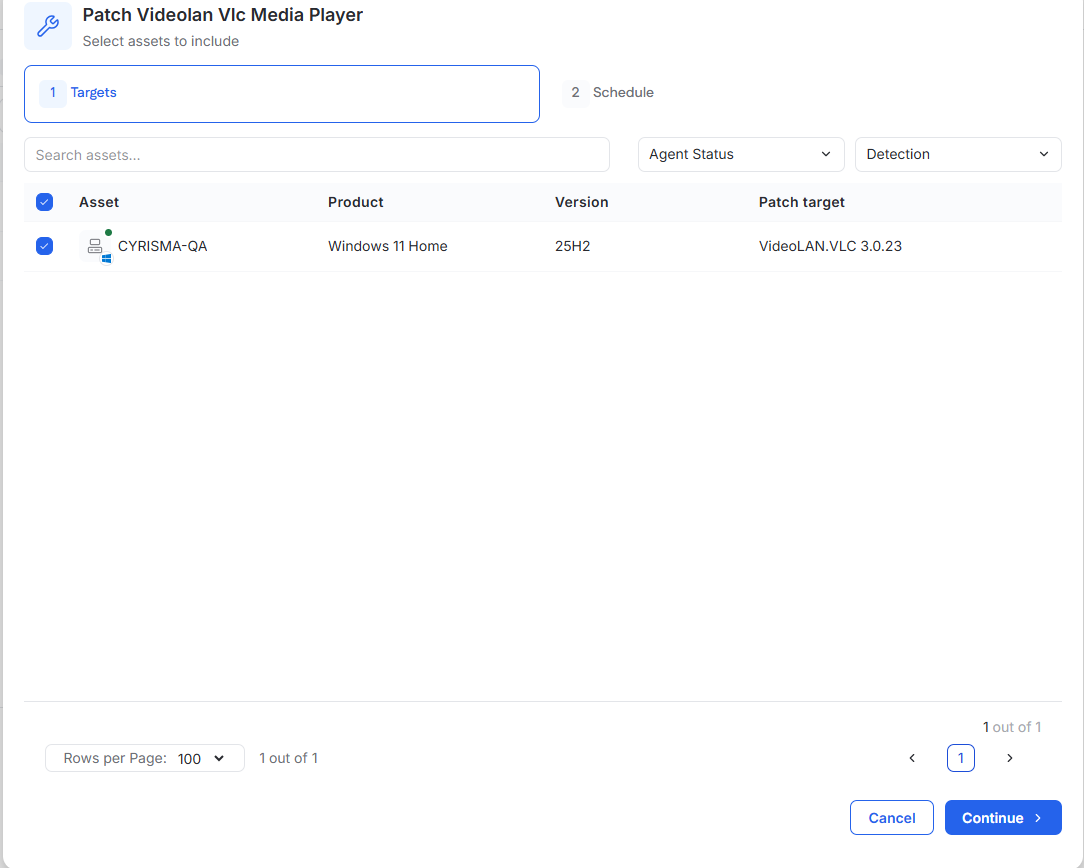
Select the endpoints to patch.
Select Continue.
Choose Patch Now or Schedule.
Select the reboot behavior.
Confirm the patch.
Patch Now starts the patch job immediately. If the first attempt is unsuccessful, the agent continues attempting the patch periodically for the next hour.
Patchable root causes can also be patched directly from their root cause drawer on the Vulnerabilities page.
Create a Patch Schedule
Use patch schedules to automatically patch eligible endpoints.
From Patching > Schedules, select Create Schedule.
Select the target operating system.
Optionally select asset tags to limit the schedule to matching endpoints.
Configure a recurring or one-time schedule and select the reboot behavior.
Select the patches to include.
Enter a schedule name and optional description.
Review the configuration and select Create Schedule.
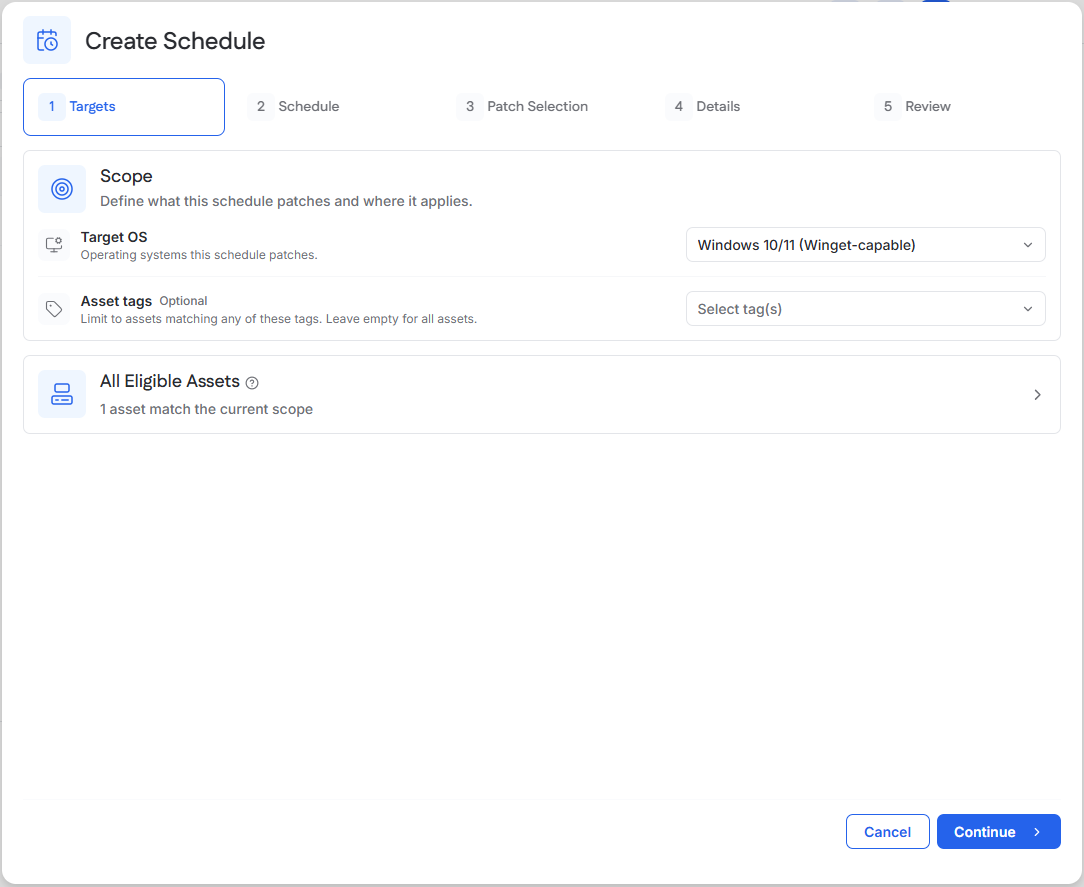
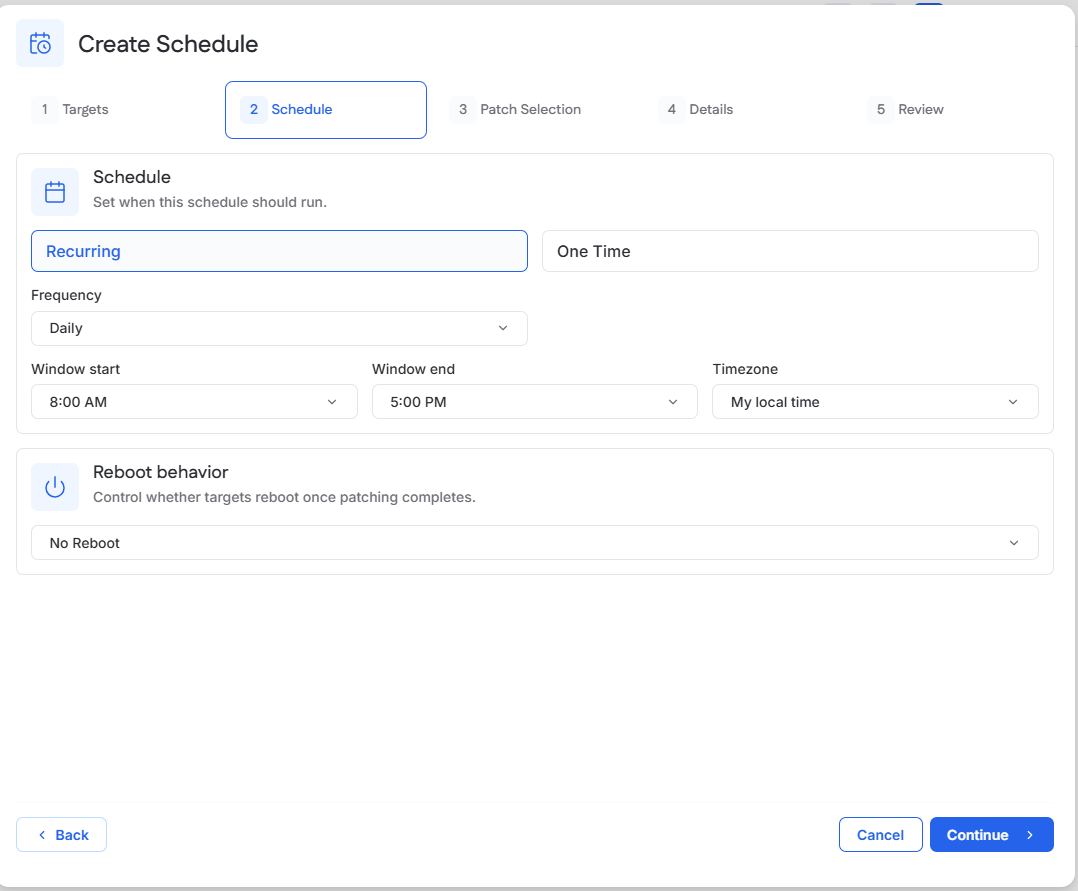
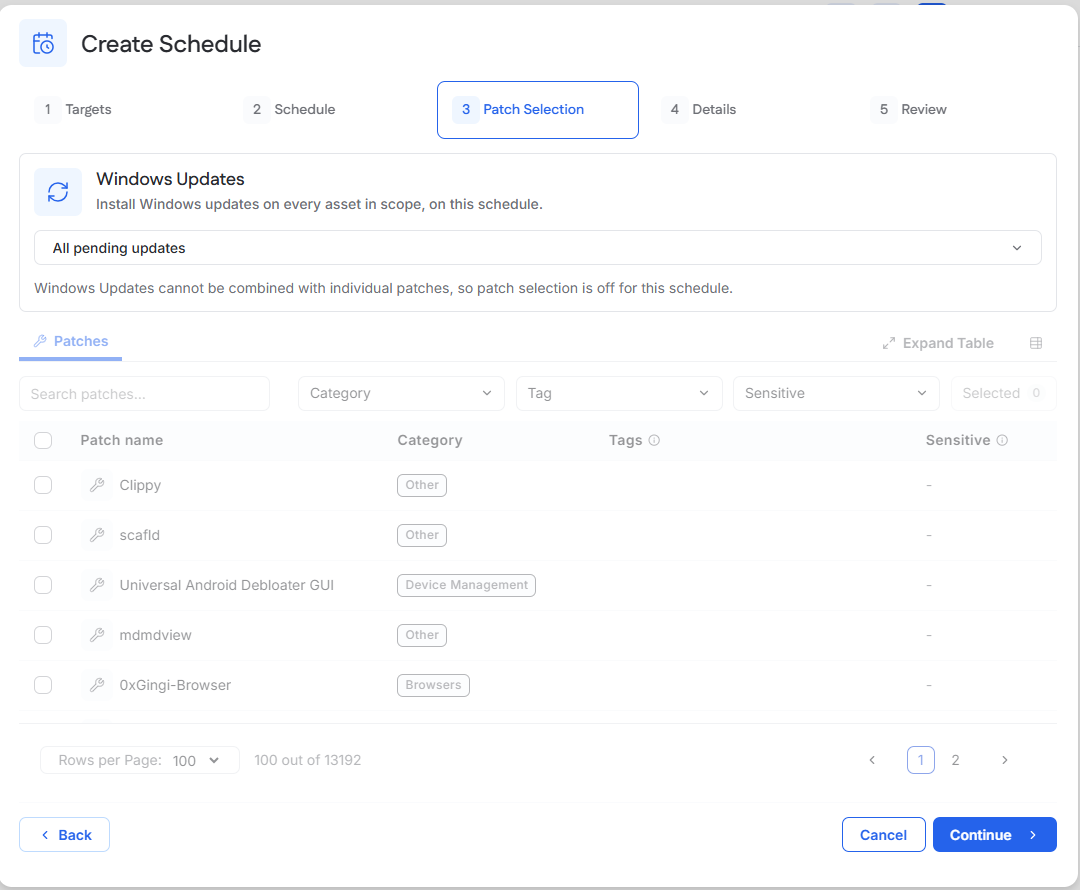
Asset tags allow a schedule to follow a group of endpoints over time. Eligible assets are reevaluated each time the schedule runs based on the selected tags.
Review Patch Schedules
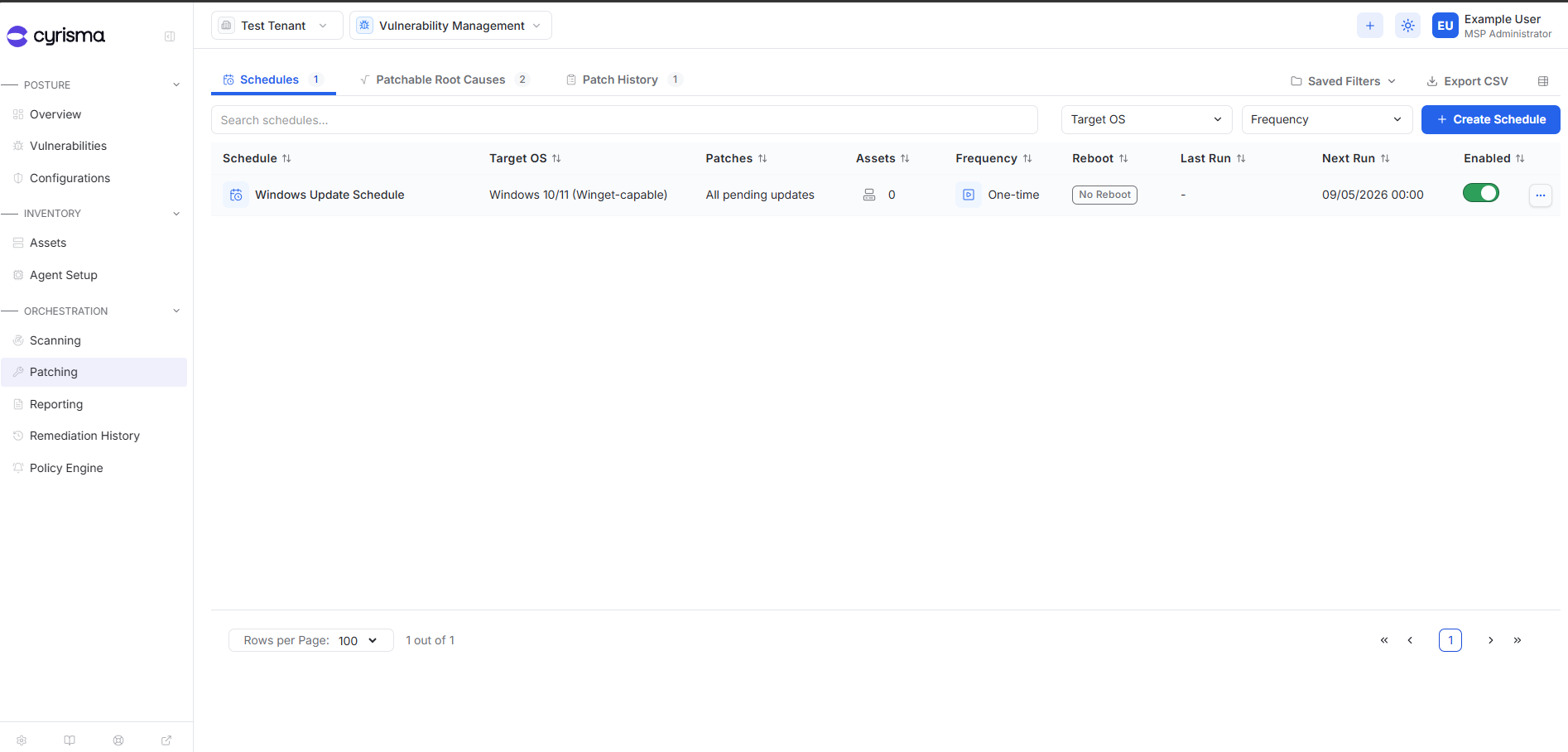
Use the Schedules tab to review configured patch schedules, their frequency, target scope, and next run.
Review Patch History
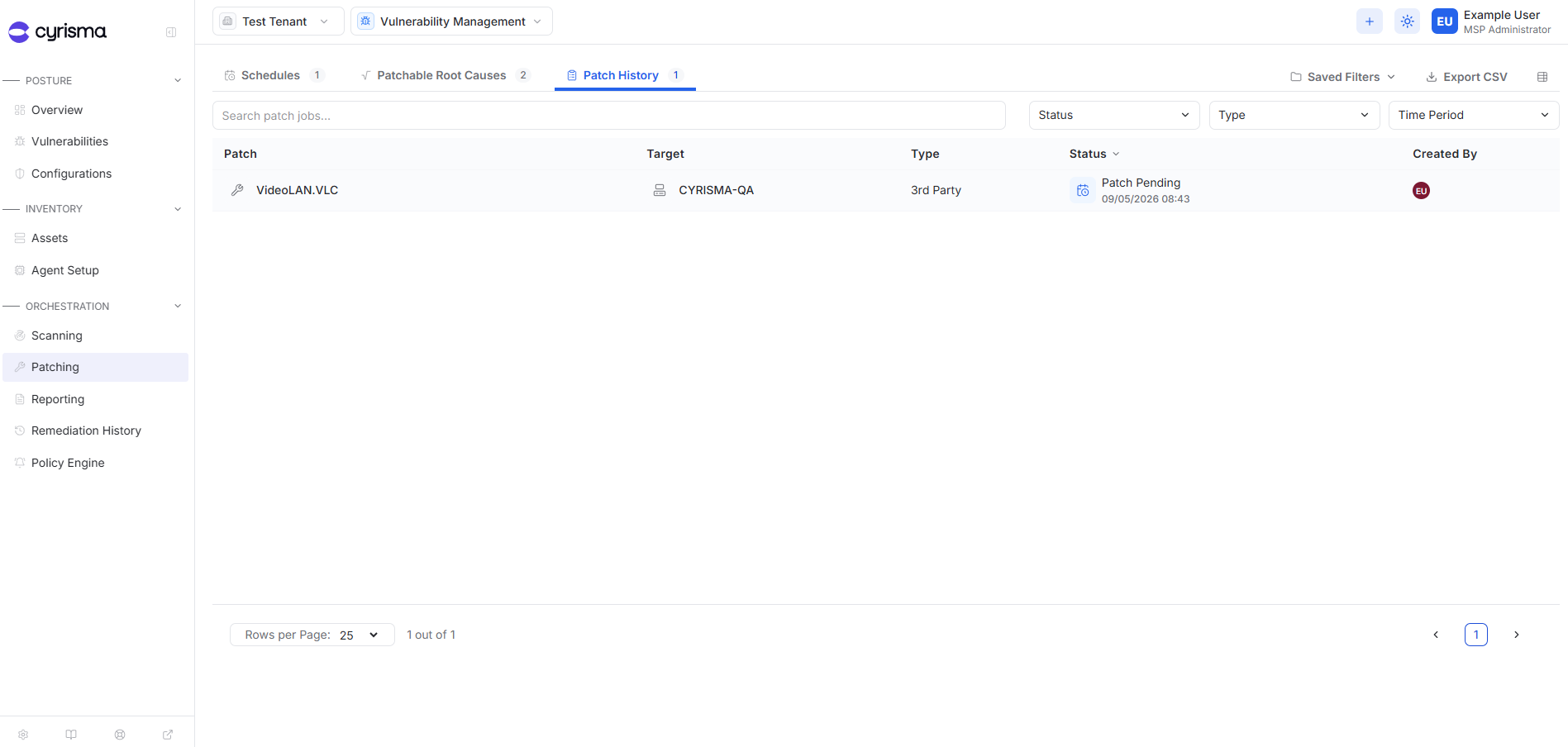
Use Patch History to review patch jobs and their current status.