How to Create a Compliance GRC Assessment
Last updated: December 19, 2025
Video Guide
Follow these steps to create a Compliance GRC Assessment for your client:
Navigate to Compliance
Click on Compliance in the main menu.
Select Compliance Assessment.
Choose GRC Framework
From the available options, choose the specific GRC framework you will be assessing for your client.
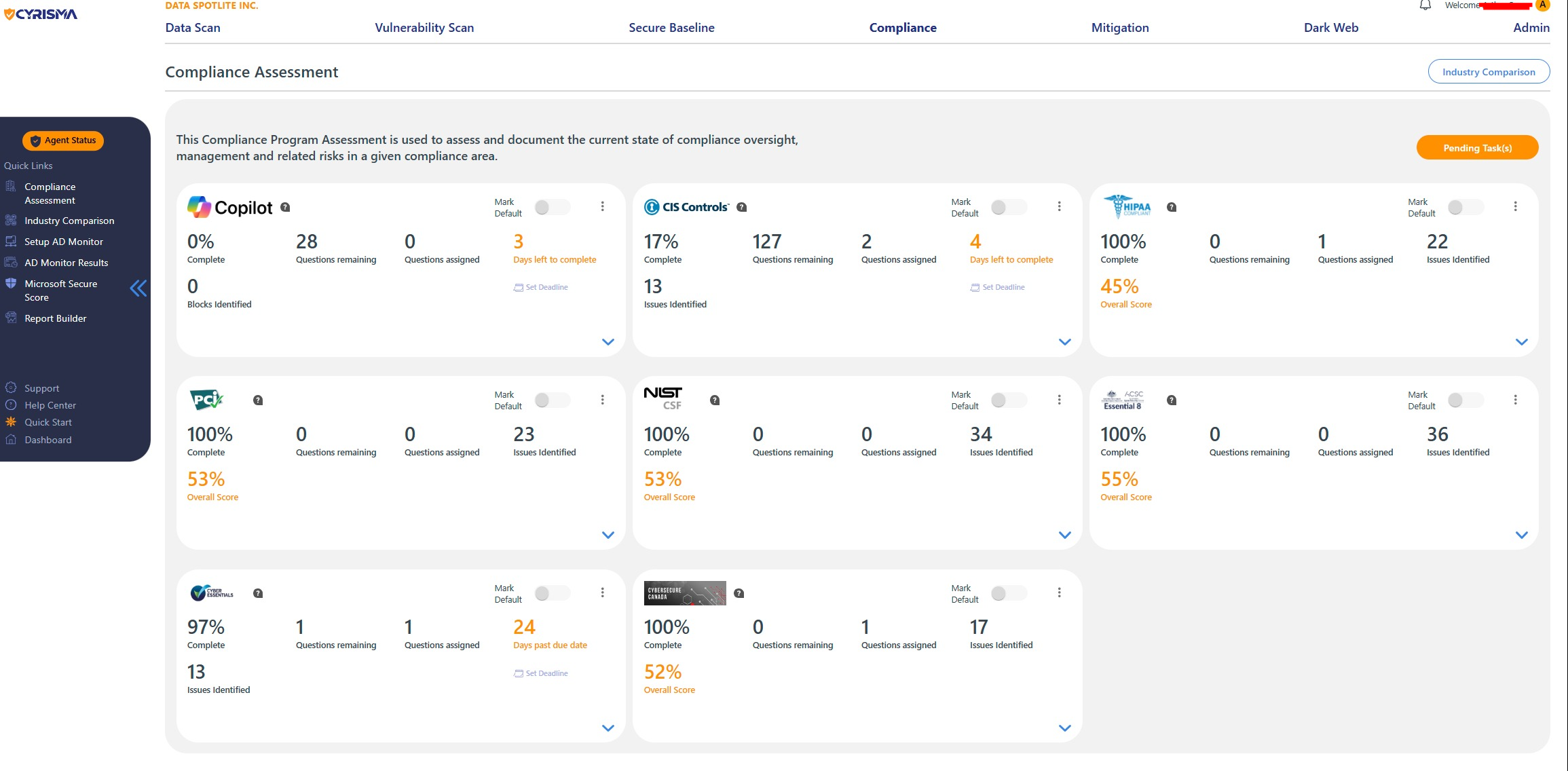
Fill Out Questions
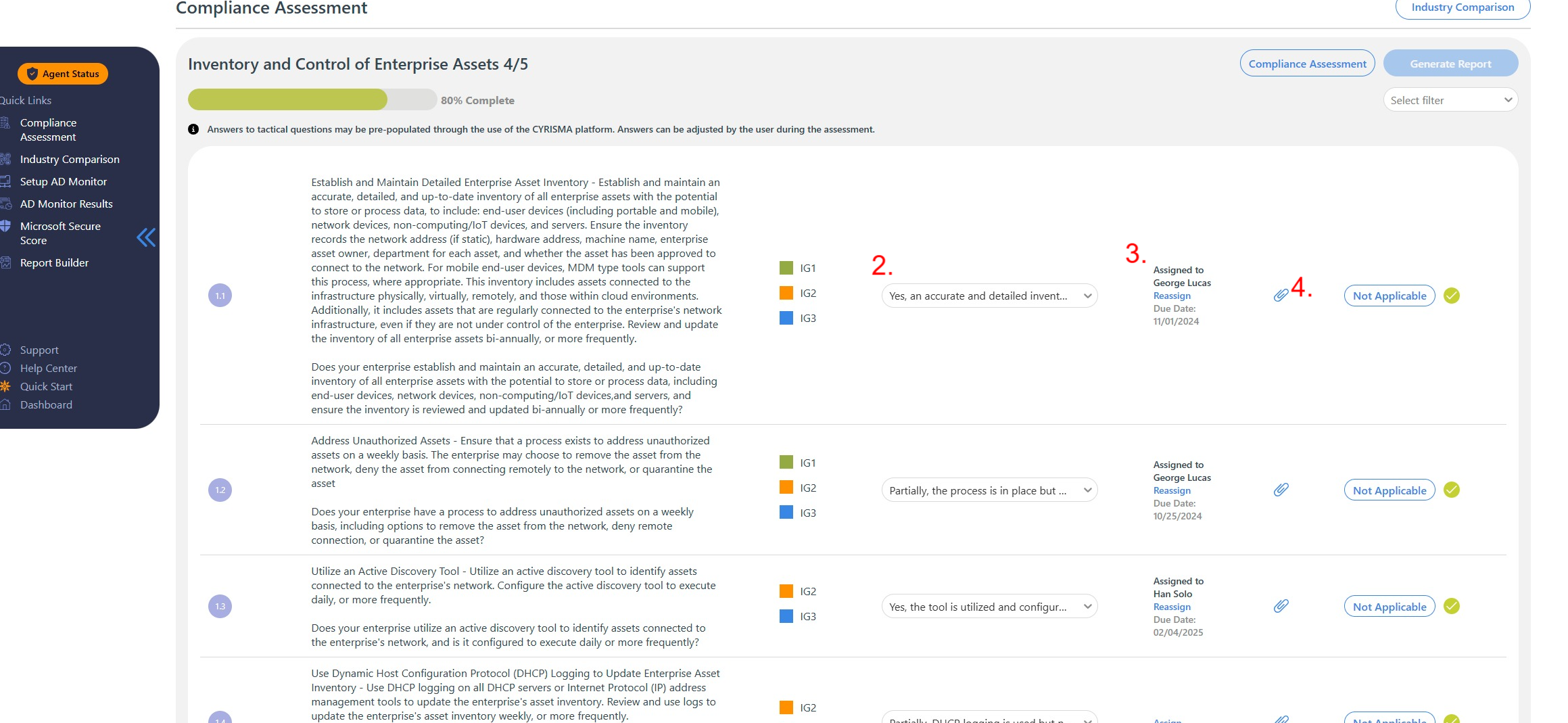
Answer the questions related to the selected framework.
For each question or task, you can assign a contact that you have previously uploaded.
Set Deadlines
Assign a deadline for each question or task to ensure timely completion.
Upload Evidence
For each question, upload relevant evidence that supports your responses.
This evidence will be included in the final report.
Generate Report
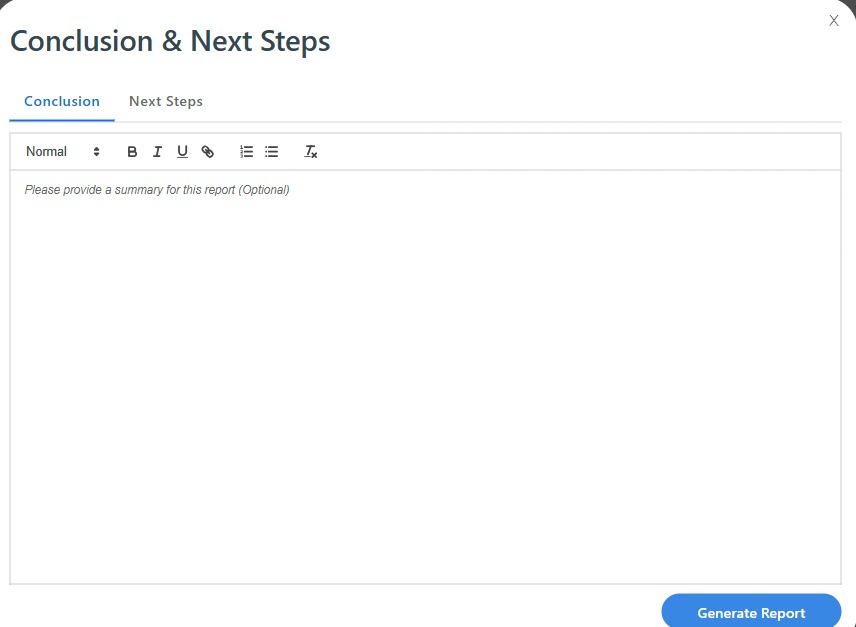
Once you have completed all sections and are ready to finalize, click on Generate Report.
Enter a Conclusion and Next Steps, which will show up in the final reporting.
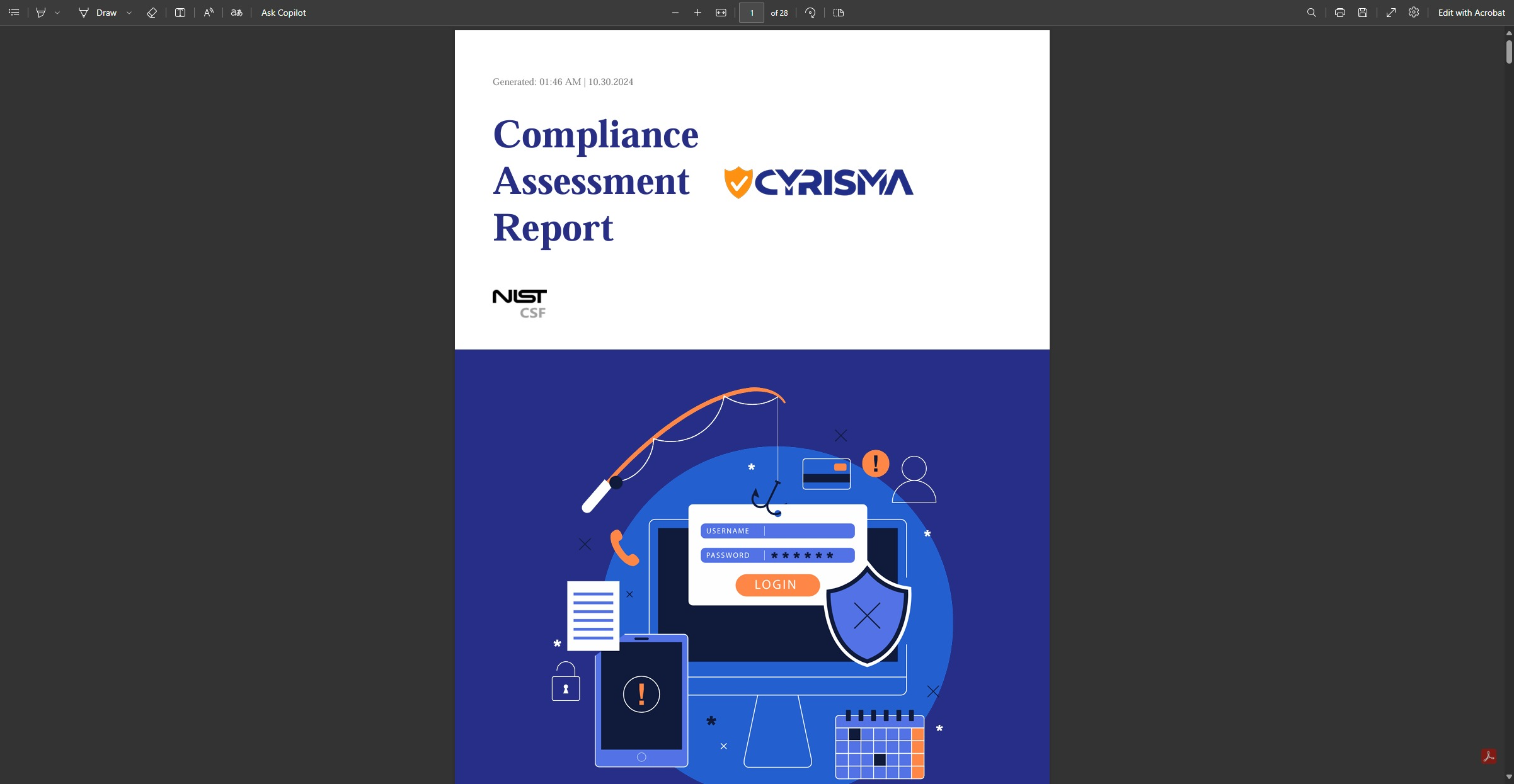
This will allow you to save a PDF of the completed GRC assessment.
By following these steps, you can efficiently create and document a Compliance GRC Assessment tailored to your client's needs.