Patching Overview
Last updated: September 17, 2026
Use Patching to identify available updates, schedule patching, and review patch results.
Tenant users manage patching for their current tenant.
MSP users can manage patching across all their managed tenants.
Select Patching from the navigation menu.
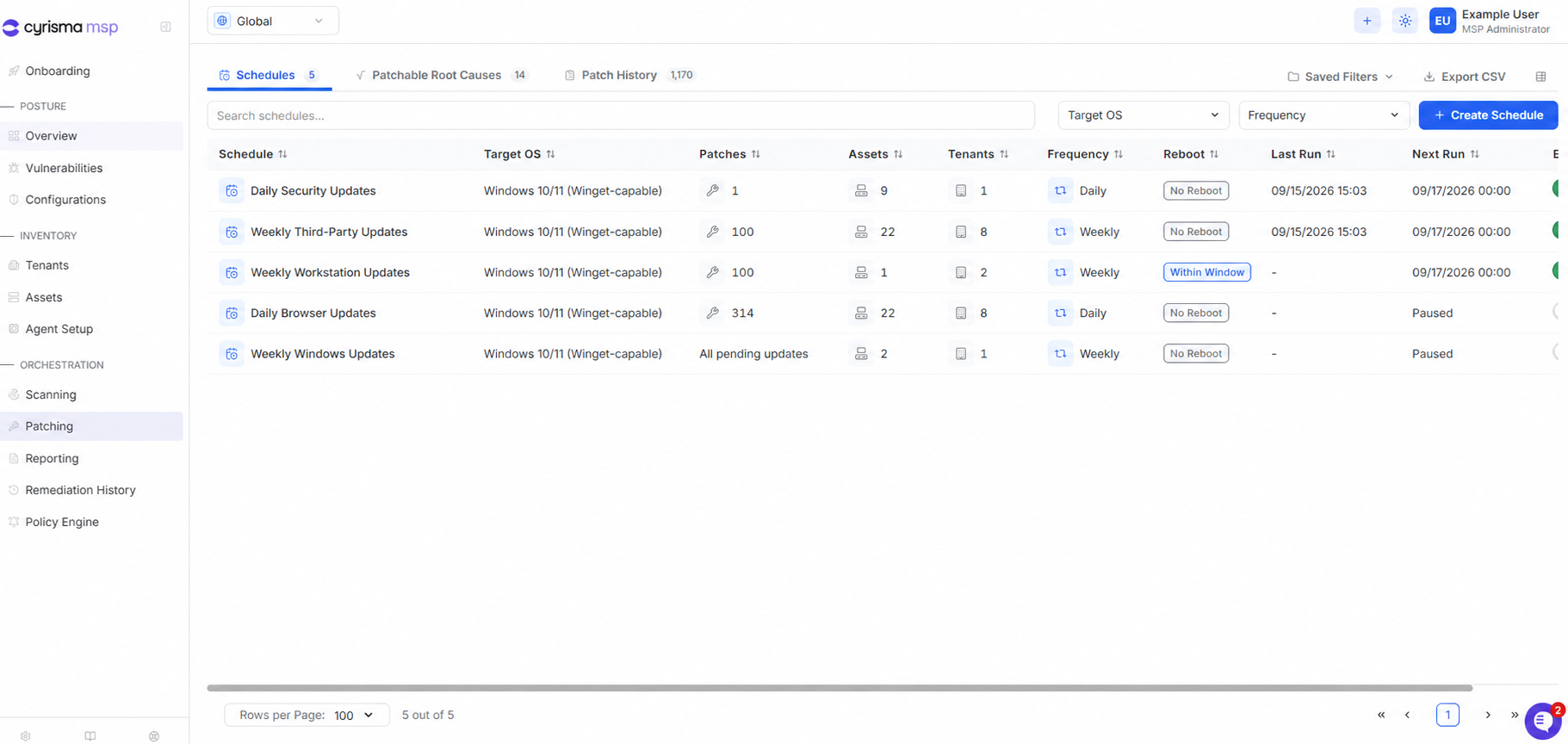
Schedules
View, create, enable, or pause one-time and recurring patch schedules.
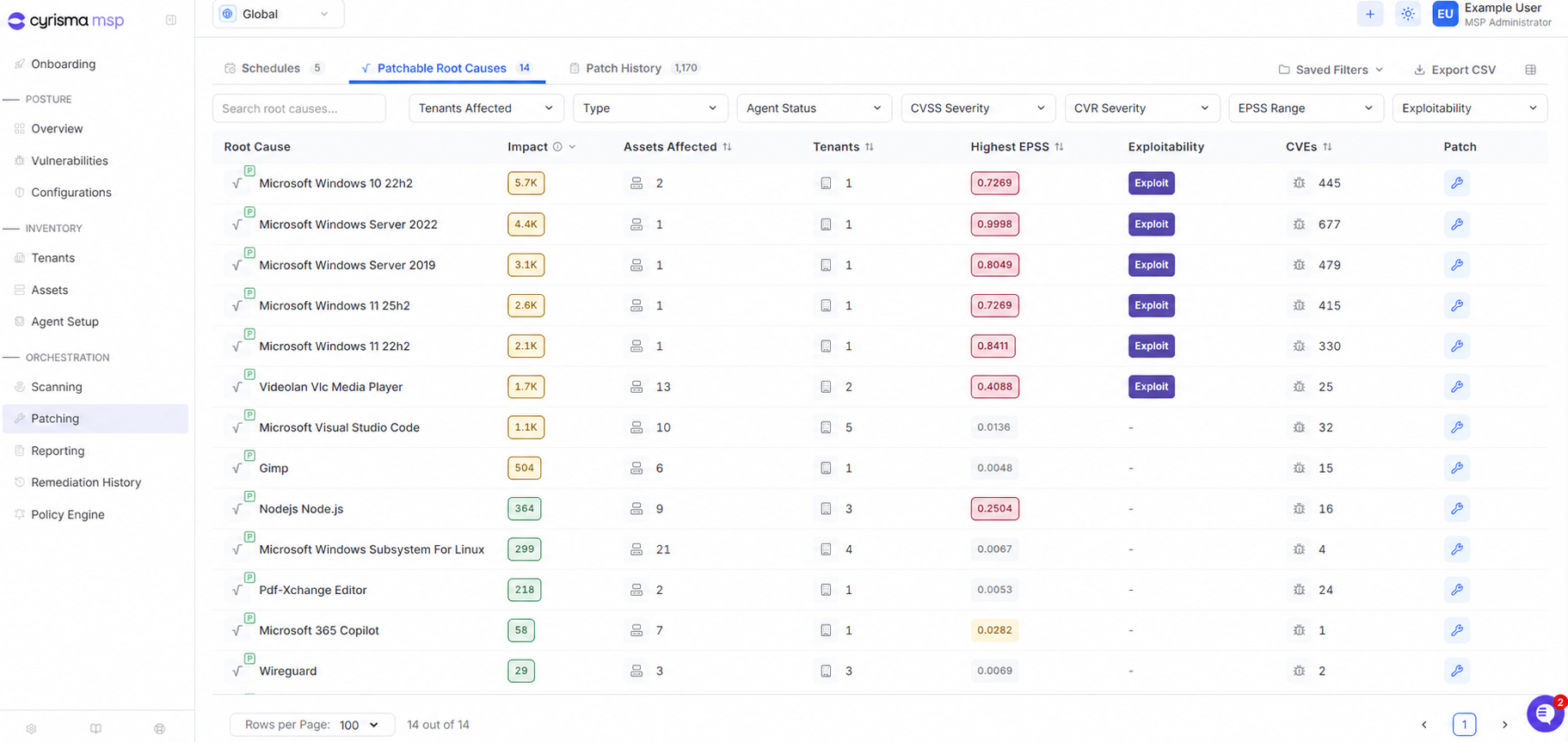
Patchable Root Causes
View applications and operating systems with available patches. Select the patch icon to begin patching.
Patch History
Track patch jobs and review their current status.
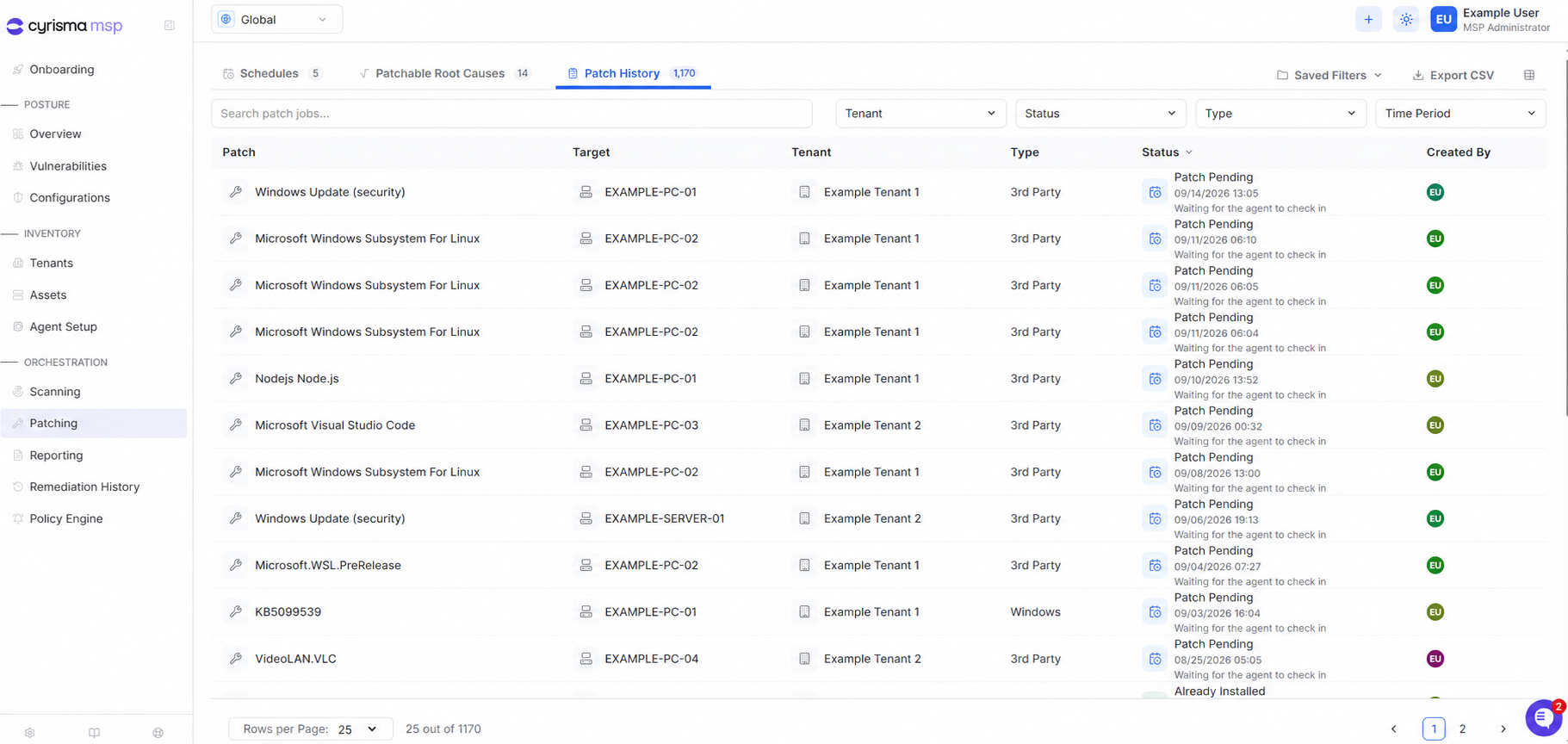
Use search, filters, saved filters, and CSV export to find and review patching information. MSP users can also filter results by tenant.