Stellar Cyber API Integration Guide
Last updated: July 20, 2026
Capabilities |
|
|---|---|
Collect | Yes |
Respond | No |
Native Alerts Mapped | N/A |
Runs on | DP |
Interval | Configurable |
Collected Data
Content Type |
|
|---|---|
Vulnerabilities | Hosts |
Response Actions
Action | Index |
|---|---|
Syslog | Linux |
Syslog | Assets |
Third-Party Native Alert Integration Details
Field | Details |
|---|---|
Required Fields | N/A |
Required Credentials | API Name |
Locating Records | API Endpoints |
|
|
|
|
Query for Records |
|
Summary of Steps
To add a Cyrisma connector:
Obtain credentials and prepare Cyrisma.
Add the connector in Stellar Cyber.
Test the connector.
Verify ingestion.
Obtain Credentials & Prepare Cyrisma
Cyrisma is a SaaS service with MSSP accounts managing data for multiple organizations. Each organization is treated as a "tenant."
Obtain MSSP API Name and API Key: Provided by Cyrisma Customer Support.
Add Stellar Cyber Tenant IDs:
Set up a tenant in Stellar Cyber corresponding to each organization in Cyrisma
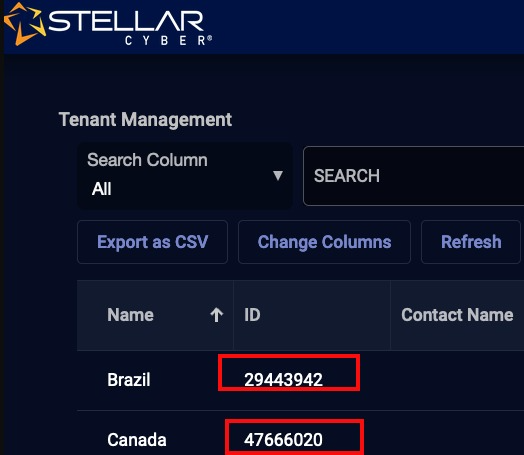
Access the Stellar Cyber Tenant screen and note the ID for each organization.
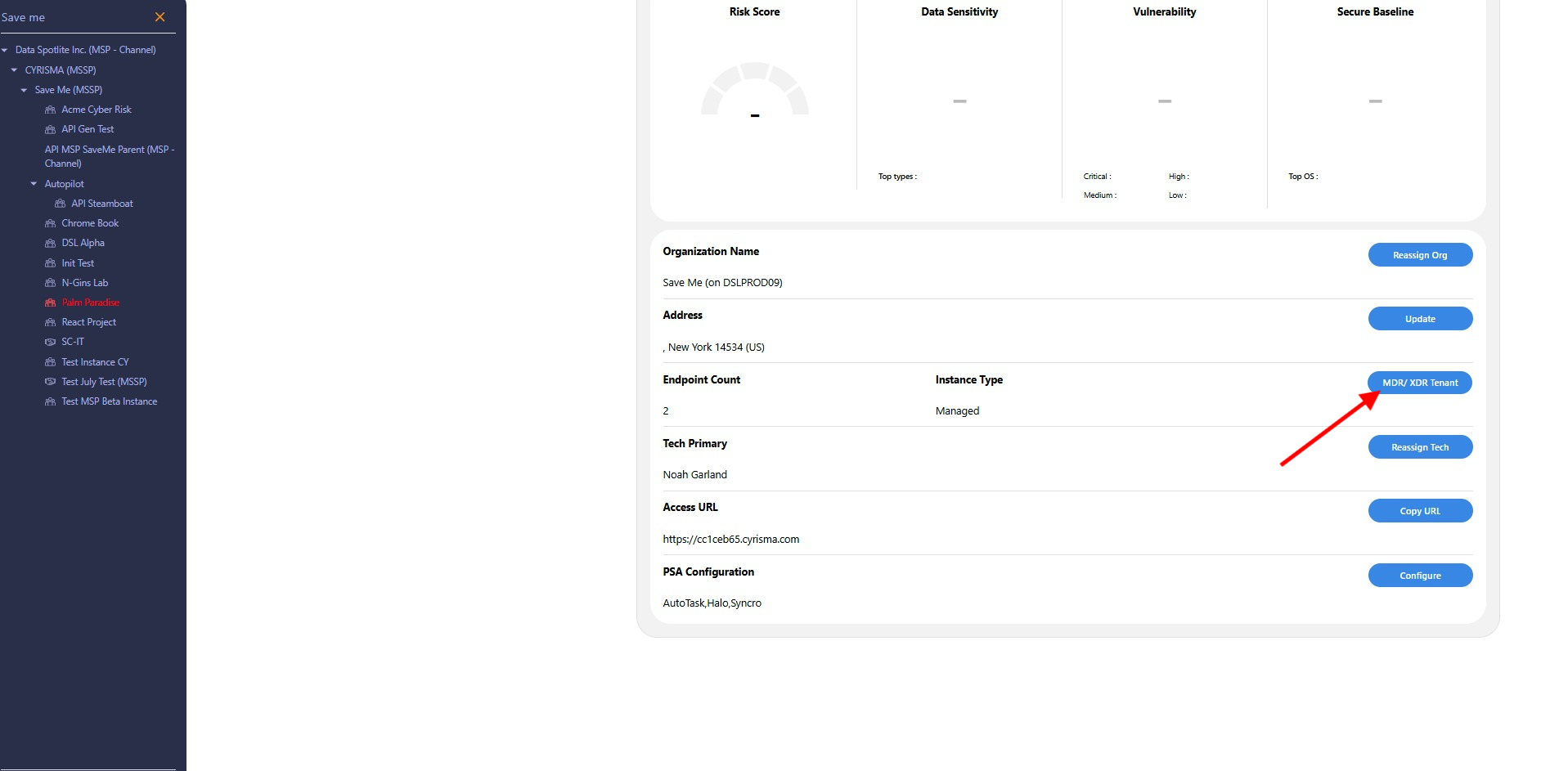
Log in to Cyrisma (
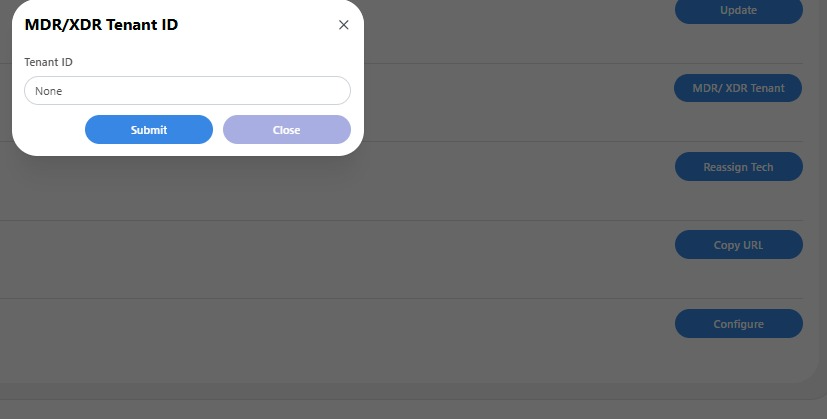
https://msp.cyrisma.com), locate the MDR/XDR Tenant field in the organization page, and update it with the Stellar Cyber Tenant ID.
Add the Cyrisma Connector
Log in to Stellar Cyber.
Go to System > Integration > Connectors.
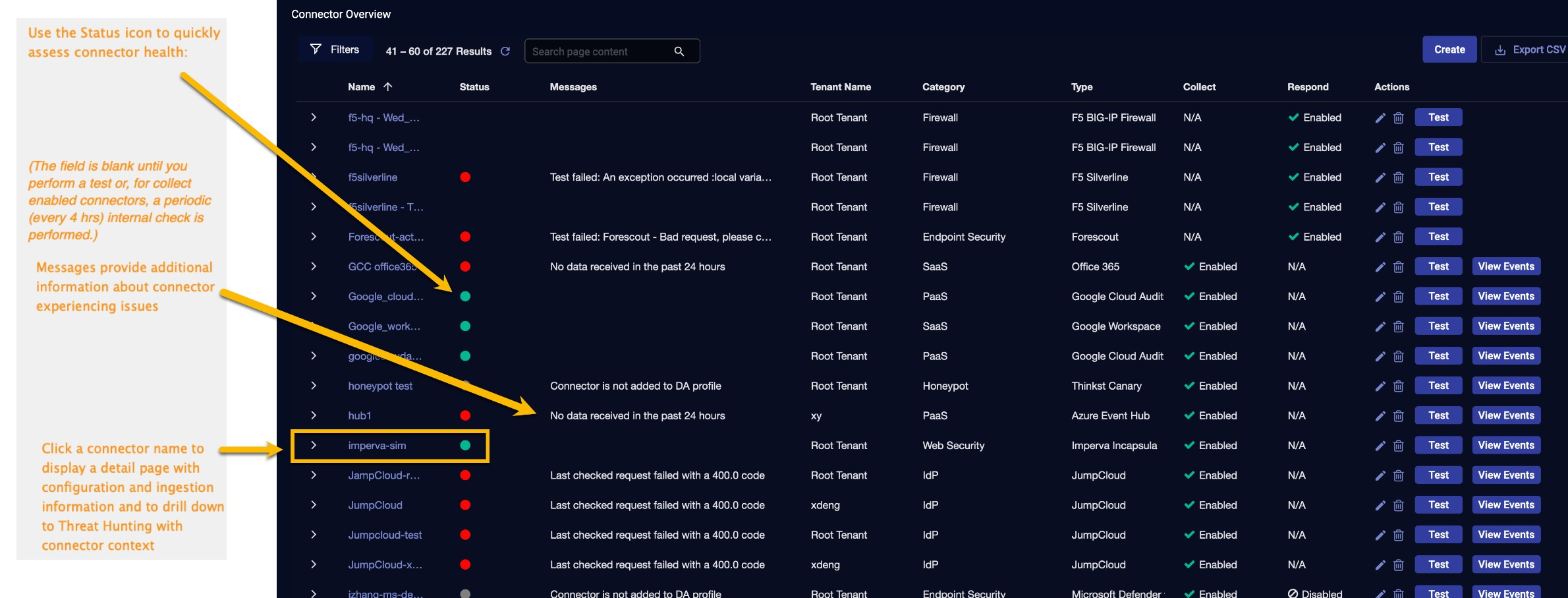
Click Create.
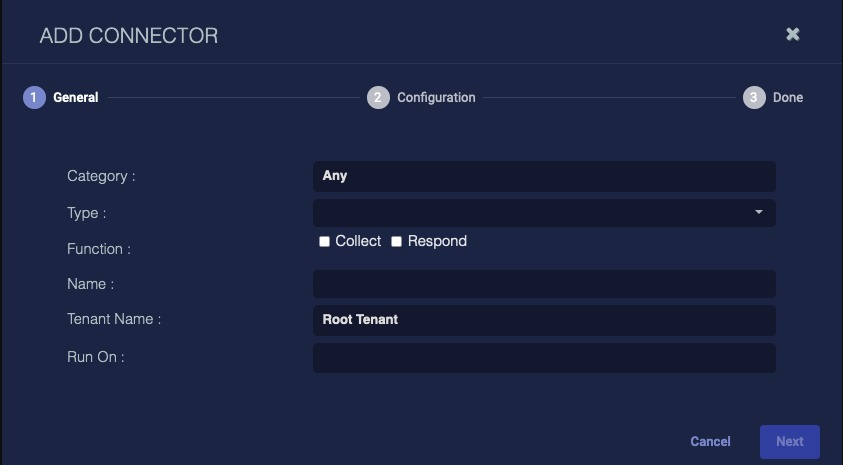
In the General tab:
Select Vulnerability Scanner under Category.
Choose Cyrisma under Type.
Ensure the Function is set to Collect.
Enter a Name for the connector.
Set Tenant Name to Root Tenant (data from non-configured tenants is stored here).
Choose the device to run the connector.
Click Next.
Configuration Tab
Enter the API Name and API Key (provided by Cyrisma).
Set the Interval (hours) for data collection.
Select Content Type.
Click Next for confirmation and then Submit.
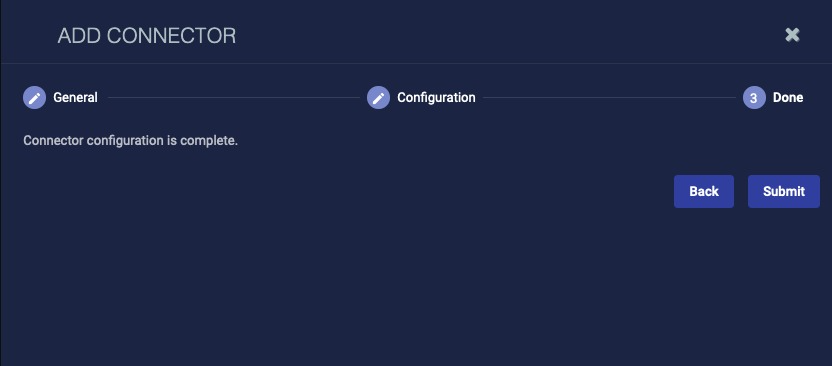
If you are adding rather than editing a connector with the Collect function enabled and you specified for it to run on a Data Processor, a dialog box now prompts you to add the connector to the default data analyzer profile. Click OK to add it, or Cancel to leave it out of the default profile.
This prompt only occurs during the initial create connector process when Collect is enabled.
Certain connectors can be run on either a Sensor or a Data Processor, and some are best run on one versus the other. In any case where the connector is run on a Data Processor, that connector must be included in a data analyzer profile. If you leave it out of the default profile, you must add it to another profile. If you do not have privileges to configure Data Analyzer profiles, a dialog displays recommending you ask your administrator to add it for you.
The first time you add a Collect connector to a profile, it pulls data immediately and then not again until the scheduled interval has elapsed. If the connector configuration dialog did not offer an option to set a specific interval, and it is run every five minutes. Exceptions to this default, internal interval are the Proofpoint (pulls data every 1 hour) and data) connectors. The intervals for each connector are listed in the Azure Event Hub (continuously pulls Connector Types & Functions topic.
*The default data collection includes information from the past 1 hour. Prior data can be included using the option to specify how much time (in hours) to retrieve from. Simply use /[hours].
Testing the Connector
Go to System > Integration > Connectors.
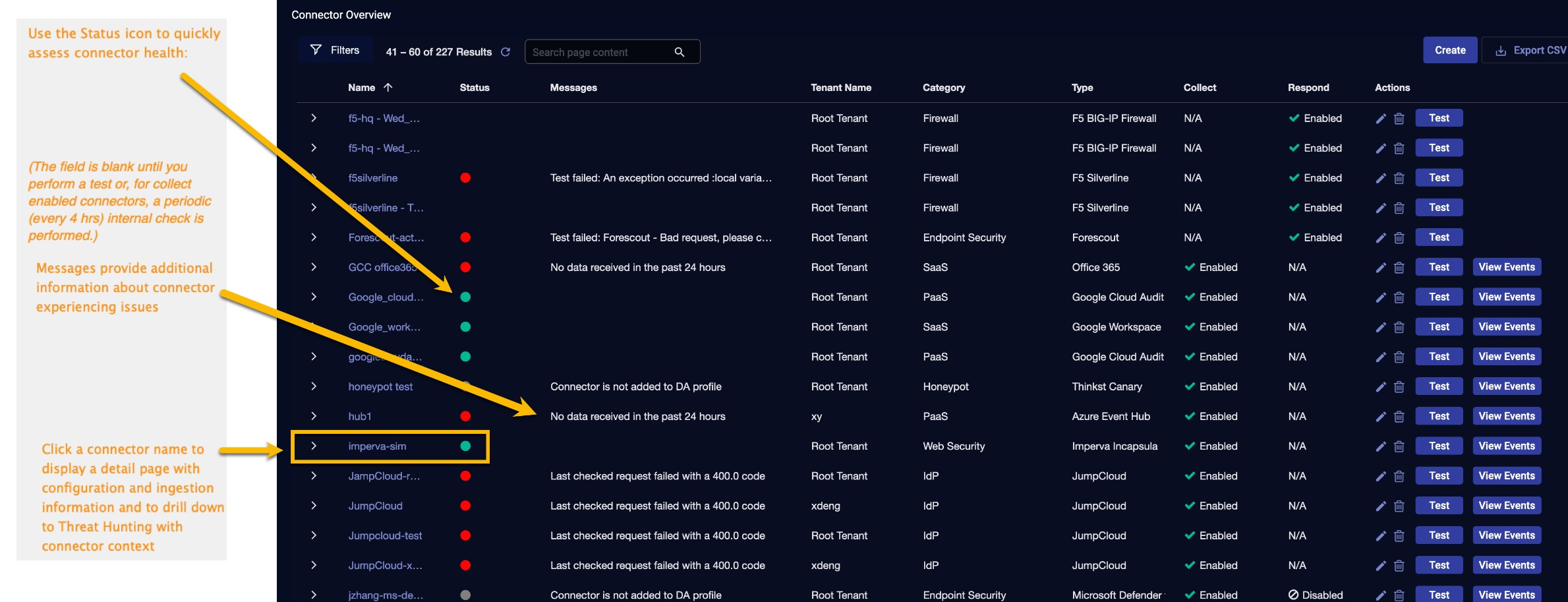
Click Test next to the connector.
A successful test ensures the configuration is correct.
Verify Ingestion
Go to Investigate > Threat Hunting.
Set the Index based on collected data:
Vulnerabilities: Scans.
Host Data: Assets.
The new connector is now active and ready for data collection.
Please find attached a PDF of instructions here if you prefer to use this format.