Managing Partner API Keys
Last updated: September 9, 2026
Use API Keys in Settings to create, review, and revoke API credentials.
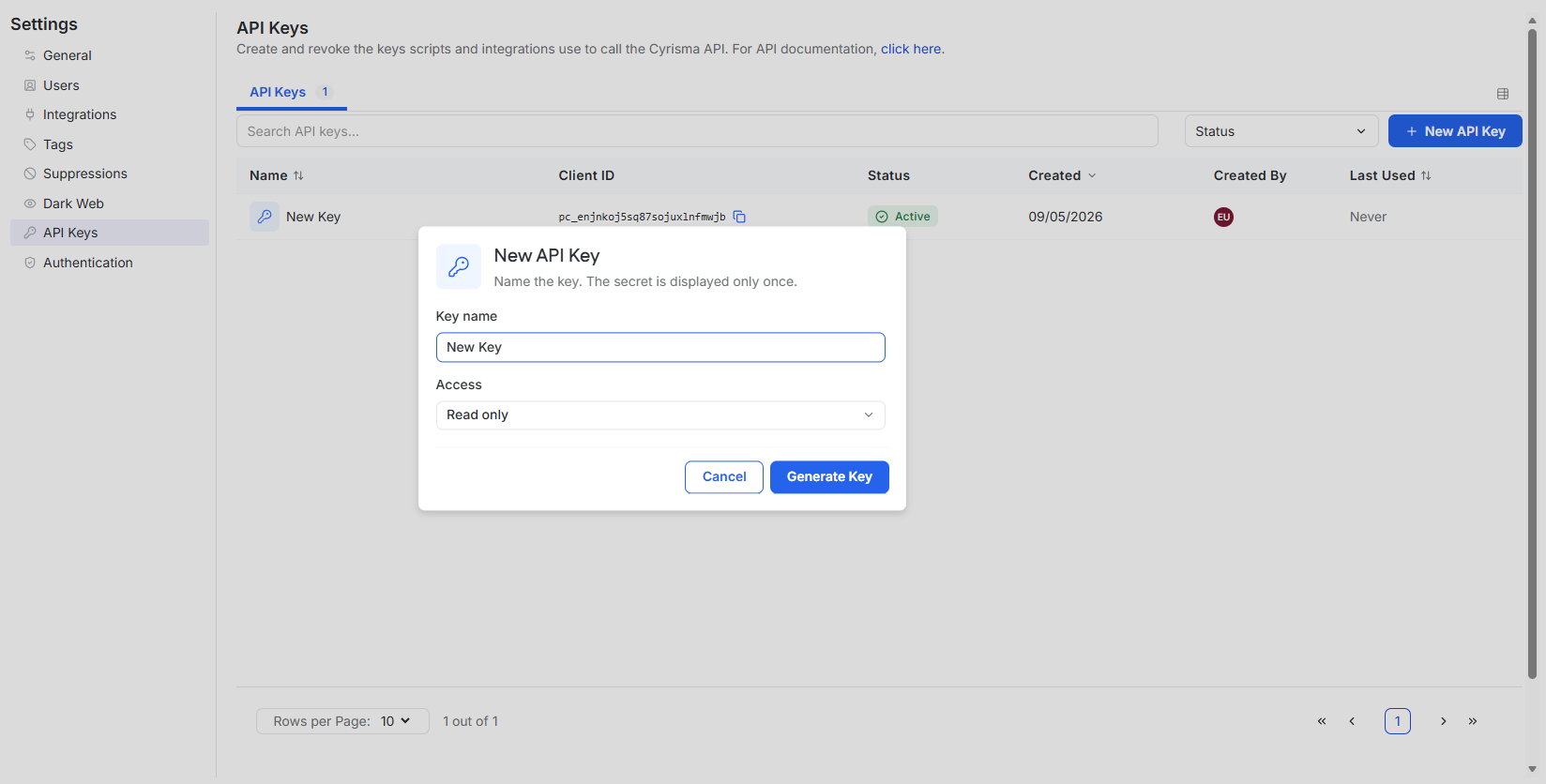
Create an API Key
Open Settings.
Select API Keys.
Select New API Key.
Enter a key name.
Select the access level.
Select Generate Key.
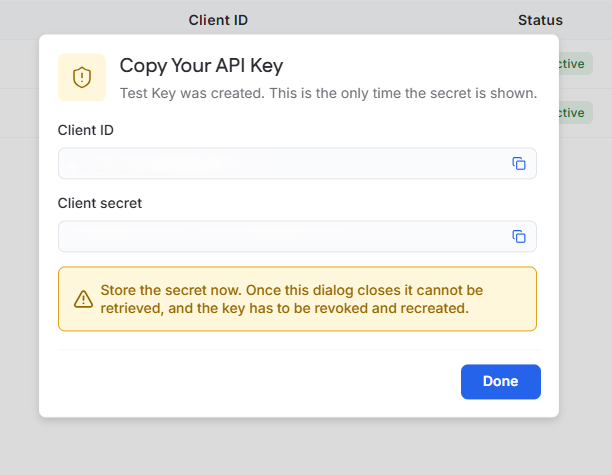
Copy the API Credentials
After the key is generated, copy the Client ID and Client secret.
The Client secret is displayed only once. Store it securely before closing the dialog. If the secret is lost, the key must be revoked and recreated.
Select Done when finished.
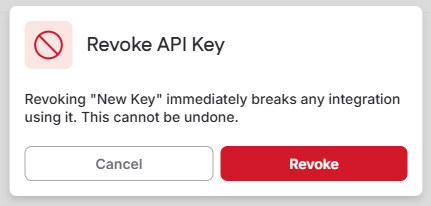
Revoke an API Key
Locate the API key.
Select the ellipsis on the key row.
Select Revoke.
Confirm the action.
For API usage and endpoint documentation, see [API Documentation].